
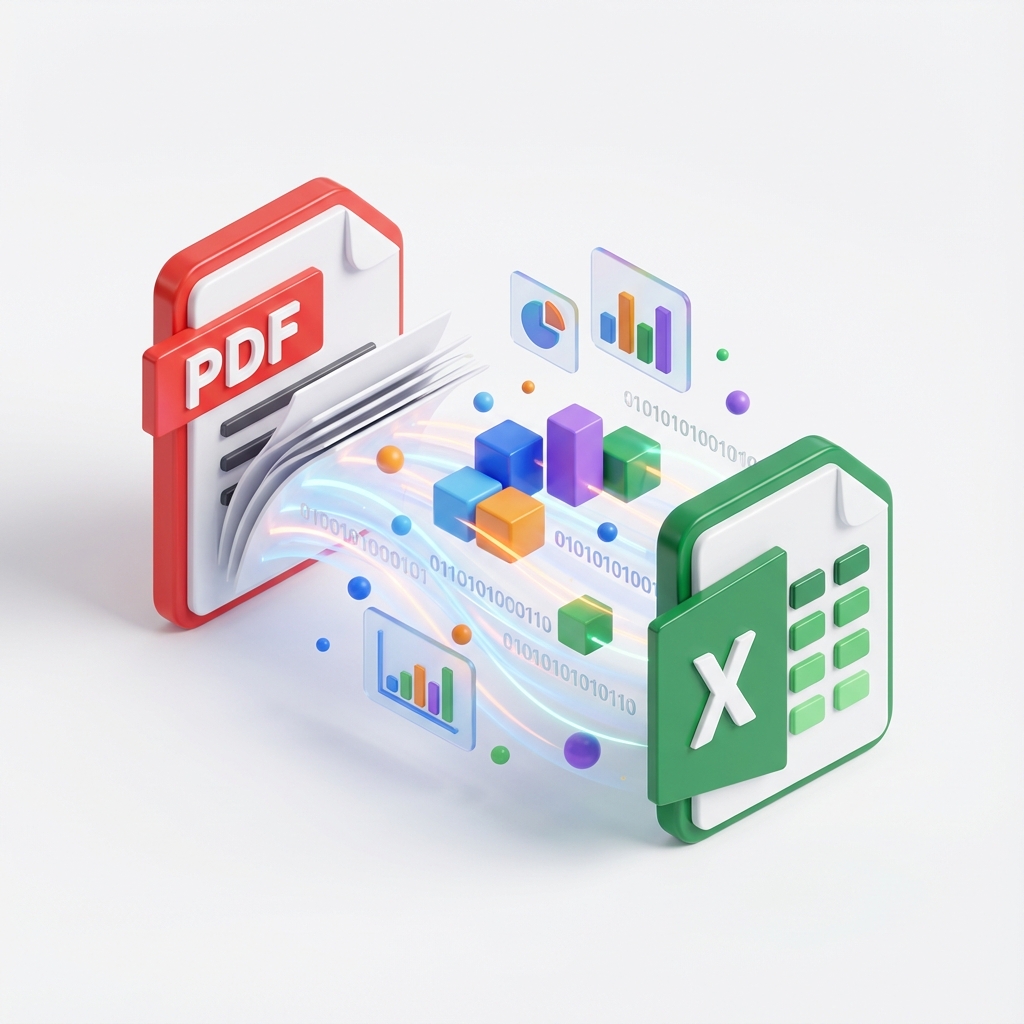
PDF to Excel
Convert your PDF files into high-quality Excel spreadsheets instantly.
What Is PDF to Excel?
PDF to Excel by PDFZora allows you to transform PDF files into Excel spreadsheets quickly, securely, and without any software installation.
How to Convert PDF to Excel Online (Step-by-Step)
Upload your PDF files
Click the "Select PDF files" button or drag and drop your files into the upload box.
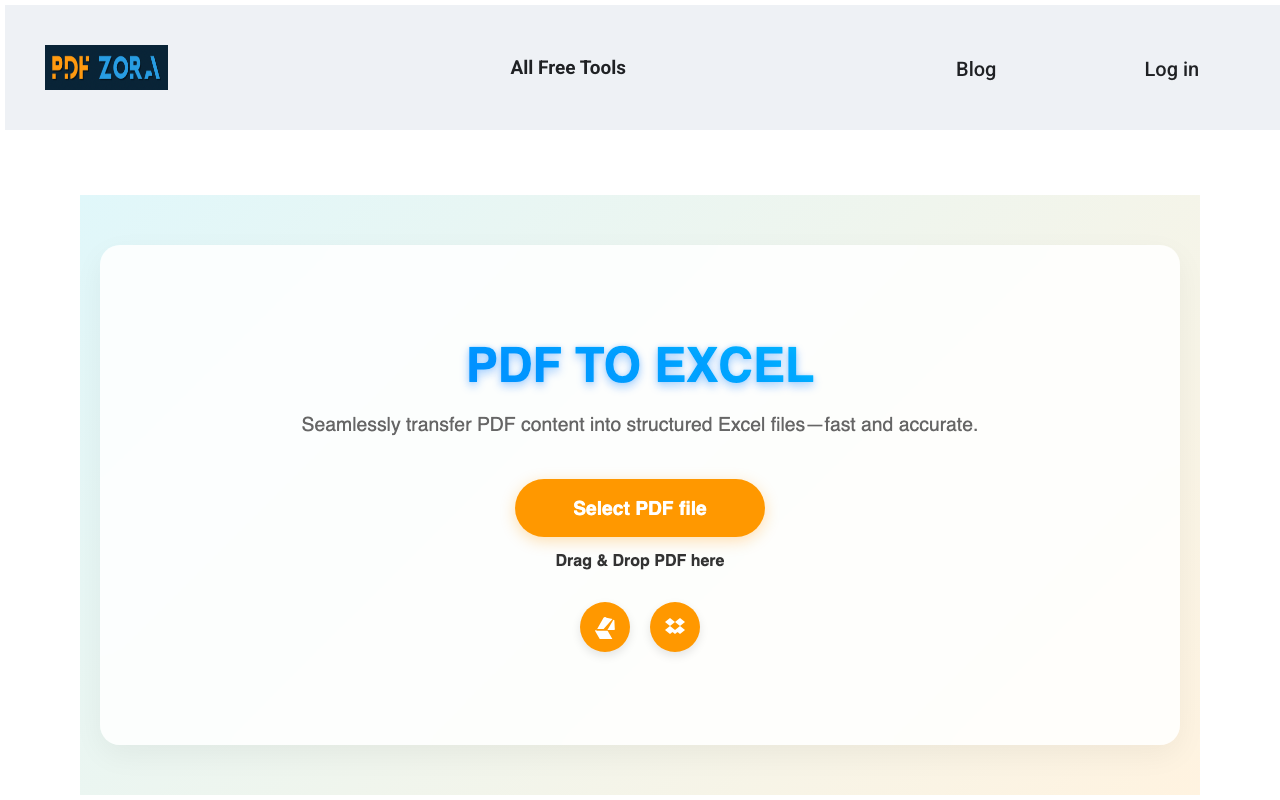
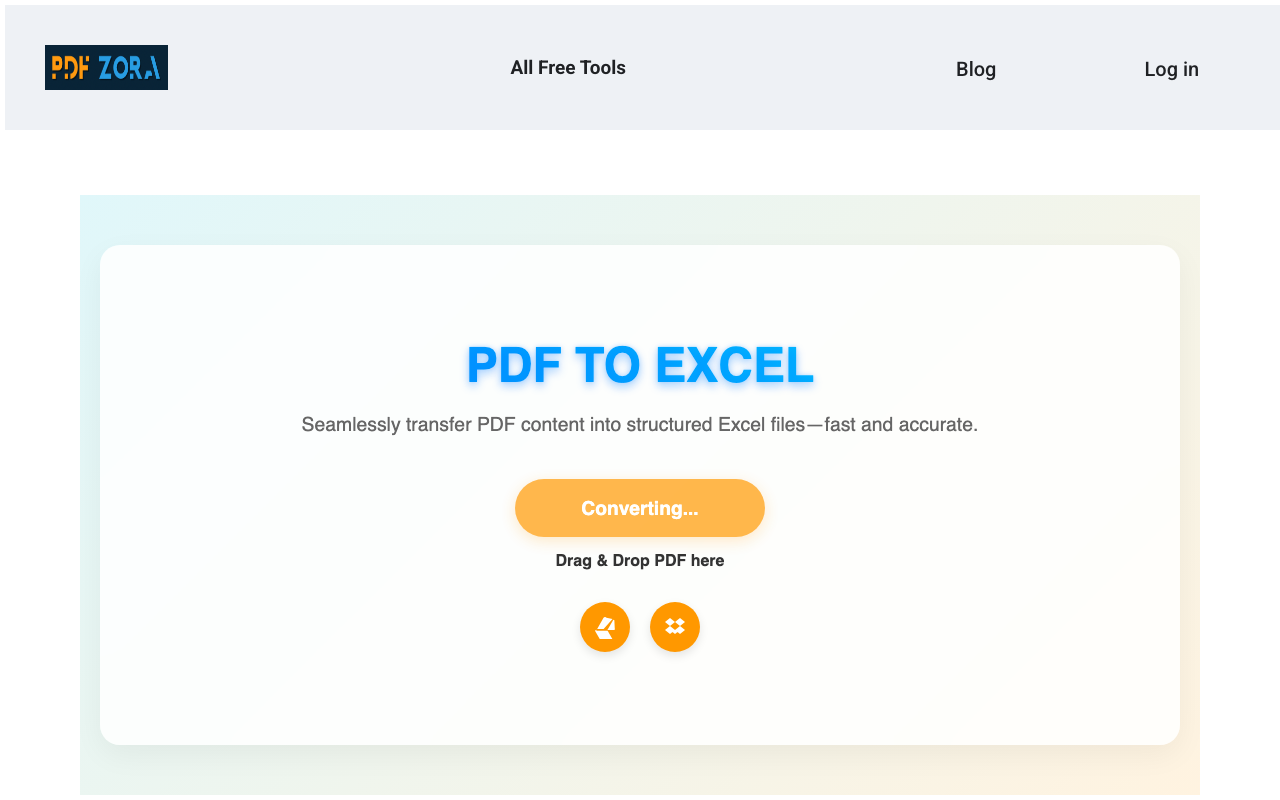
Click the convert button
Our tool processes your files, optimizing quality and layout to create a perfect document.
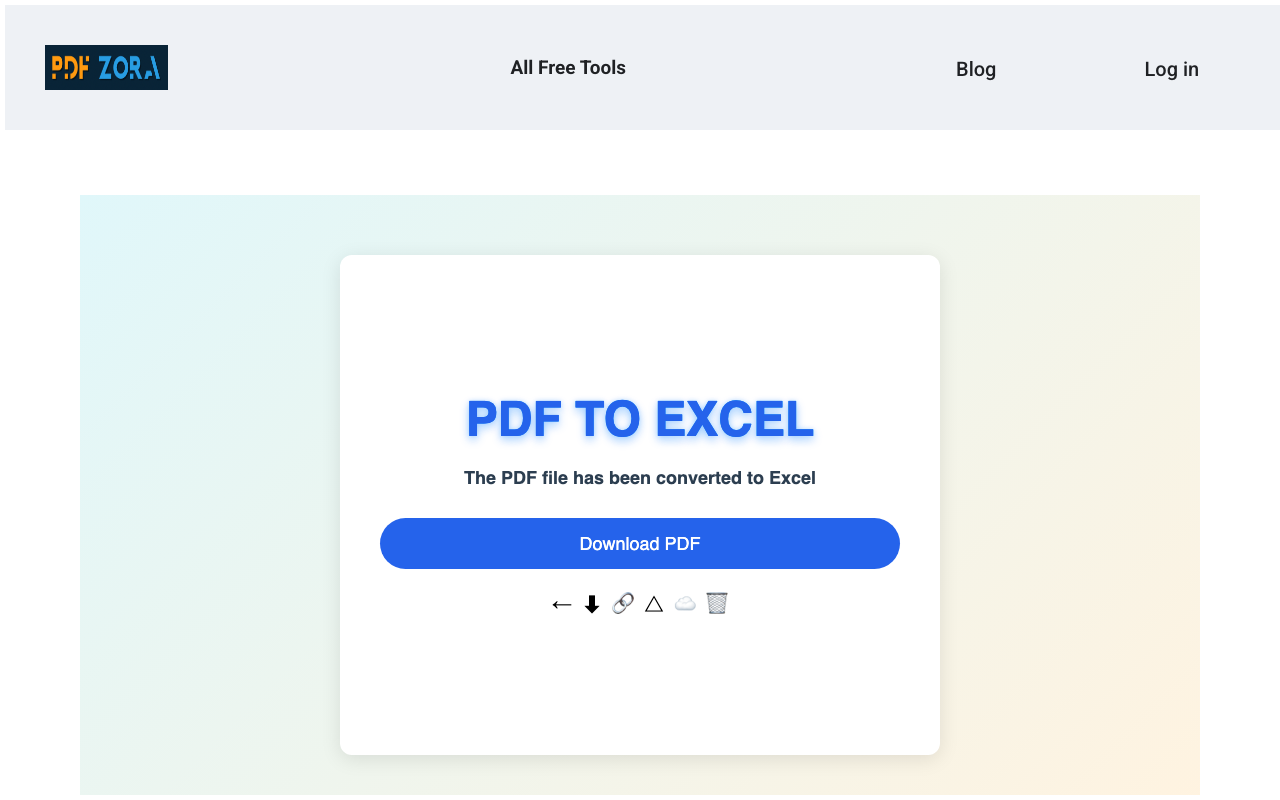
Download the file instantly
Once finished, save your new document to your device.
Supported Formats
We support a wide range of formats to ensure maximum compatibility:
- Input Formats: PDF (Portable Document Format)
- Output Format: Excel Spreadsheets (XLSX, XLS).
Why Use PDF to Excel on PDFZora?
PDFZora offers a premium conversion experience without the premium price tag. Unlike basic converters, our PDF to Excel tool is engineered for:
- Speed: Convert massive PDF tables into Excel data in seconds effectively.
- Precision: Intelligent technology ensures rows and columns are extracted accurately.
- Simplicity: No complicated macro settings—just drag, drop, and done.
Key Features
- Table Extraction: Accurately identifies and rebuilds tables from your PDF.
- Editable Excel: Get fully editable .xlsx files, ready for analysis.
- Batch Processing: Convert multiple PDF files at once to save time.
- Data Security: Files are encrypted and auto-deleted for your safety.
PDF to Excel Online vs. Offline Software
Why clutter your computer with heavy software when you can do it online?
| Feature | PDFZora Online | Offline Software |
|---|---|---|
| Cost | 100% Free | Expensive Licenses |
| Installation | None | Required |
| Accessibility | Any Device | Single Device |
Why Online Tools Are Better for Most Users
Online tools like PDFZora remove the friction from file conversion. You don't need to worry about updates, compatibility, or disk space. Just open your browser, upload, and you're done. It's the modern way to manage documents.
Is It Safe to Use Online Tools?
Yes, absolutely. We use enterprise-grade security measures to ensure your data is handling with the utmost care. Using an online converter is as safe as checking your email or banking online.
Security & Protection
Your privacy is our top priority:
- SSL Encryption: All data transfers are encrypted via 256-bit SSL.
- Auto-Deletion: Files are automatically deleted from our servers after 60 minutes.
- No Access: No human ever views your documents; the process is fully automated.
Common Use Cases for PDF to Excel
- Data Analysis: Extract data from annual reports or bank statements for analysis.
- Accounting: Convert invoices and receipts into Excel for bookkeeping.
- Inventory: Digitize scanned inventory lists into sortable spreadsheets.
Supported Devices and Browsers
PDFZora works seamlessly on:
- Operating Systems: Windows, macOS, Linux, iOS, Android.
- Browsers: Chrome, Safari, Firefox, Edge, Opera.
Frequently Asked Questions
Yes, PDFZora is completely free to use. You can convert your PDF files into editable Excel spreadsheets without any cost.
We use advanced OCR and extraction algorithms to keep your original rows, columns, and layout as accurate as possible in the Excel output.
No, the entire process happens online in your browser. You don't need to download or install anything on your computer.
Your security is our priority. All files are transferred via SSL encryption and are automatically deleted from our servers after one hour.
Yes, our tool supports scanned PDFs. We attempt to recognize the text and structure to convert it into editable Excel data.
Yes, check out our "Excel to PDF" tool in the "Explore More Tools" section below for the reverse functionality.
Yes, PDFZora works on all operating systems (Windows, Mac, Linux) and mobile devices (iOS, Android) via any web browser.
We accept files up to 50MB. This handles most standard documents, reports, and spreadsheets with ease.
Explore More Tools
Excel to PDF
Convert Excel spreadsheets back into PDF documents.
PDF to Word
Convert PDF files back to editable Microsoft Word DOCX documents.
PDF to Powerpoint
Turn your PDF content into editable PowerPoint presentation slides.
OCR to PDF
Convert scanned documents and images into searchable and selectable PDF files.
Compress PDF
Reduce the file size of your PDFs without losing quality.
Repair PDF
Recover and fix corrupted or damaged PDF documents.
Ready to Convert Your PDF Files to Excel?
Join thousands of users who trust PDFZora for fast, free, and secure document conversion. No registration required.
Convert PDF to Excel Now