
How to Compress PDF Files Online for Free – Step by Step Guide (2026)
By Editorial Team • Updated
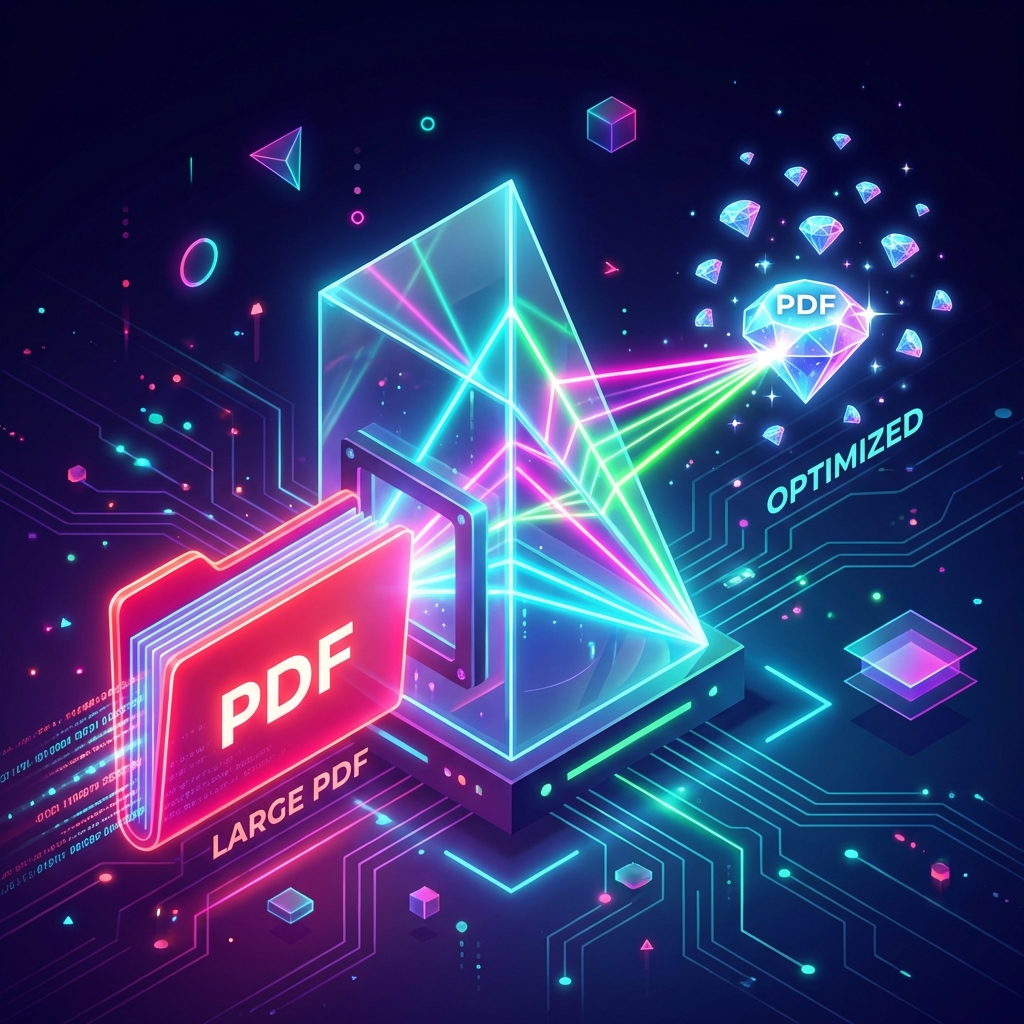
You’ve just finished a crucial report. You hit “Send,” and… bounce. “File too large.” It’s the digital equivalent of a door slamming in your face.
Whether it’s a university portal rejecting your assignment or Gmail refusing to send your attachment, dealing with oversized PDFs is annoying. And it always seems to happen exactly when you’re in a rush.
The good news? You don’t need to buy Adobe Acrobat Pro just to shrink a file. You can do it right here, for free.
Why You Actually Need This
Nobody likes waiting. Keeping your files small isn’t just about saving space—it’s about making sure your emails actually get delivered and your uploads don’t time out.
- 📧 Beat Email Limits: Gmail and Outlook limit attachments to 20-25MB. A single high-res scan can easily break this cap.
- ☁️ Save Cloud Space: Google Drive and Dropbox storage isn’t infinite. Compressing files means you get more value out of your free tiers.
- 🚀 Boost Website Speed: If you host PDFs on your site, smaller files load faster, improving your SEO and user experience.
- 📱 Mobile Friendly: Nobody wants to download a 50MB file on a 4G connection. Compressed files are respectful of your recipient’s data plan.
Step-by-Step: How to Compress a PDF with PDFZora
PDFZora is designed to be “drag, drop, done.” Here is exactly how to shrink your PDF in seconds.
Step 1: Navigate to PDFZora

Open your browser and head to PDFZora.com. You’ll see a clean interface focused on getting the job done without distractions.
Step 2: Upload Your Large File

Click on the “Compress PDF” tool. You can drag and drop your file directly into the blue box, or click to select from your device. We support high-resolution PDFs, scanned documents, and image-heavy reports.
Step 3: One-Click Compression

Once your file is recognized, simply hit the “Compress PDF” button. Our smart algorithms immediately go to work, analyzing your file to remove redundant data while preserving the visual quality of your text and images.
Step 4: Download and Share

In moments, your file is ready. You’ll see exactly how much space you saved. Click “Download” and you’re good to go!
What Makes PDFZora Different?
We built PDFZora to be safe, fast, and trustworthy.

⚡ Speed & Efficiency
We use server-side processing that is optimized for speed. Whether you’re on a fiber connection or public Wi-Fi, the compression happens almost instantly.

🔒 Secure & Private
Your data is yours. We use 256-bit SSL encryption for file transfers. More importantly, we have a strict zero-retention policy: your files are permanently deleted from our servers one hour after processing.

💰 100% Free Forever
No “free trials.” No credit cards. No “3 files per day” limits. We believe basic productivity tools should be accessible to everyone, from students to startups.
PDFZora vs. The Rest
There are plenty of PDF tools out there. Here is why ours is better.
| Feature | PDFZora | Competitor A | Competitor B |
|---|---|---|---|
| Cost | Free (Unlimited) | Free (Daily Limits) | Paid Subscription |
| Privacy | 1-Hour Auto-Delete | 24-Hour Retention | Unclear Policy |
| Registration | None | Required for >2 files | Required |
| Quality | Smart Lossless | Often blurry | Good |
Who is this for?

🎓 For Students: Submit assignments on Blackboard/Canvas without hitting size limits. Keep your thesis file manageable.
💼 For Professionals: Send quarterly reports and decks to stakeholders without them getting bounced by corporate email firewalls.
🎨 For Creatives: Share high-quality portfolio PDFs with clients that are small enough to open on a phone but sharp enough to impress.
Frequently Asked Questions
Is it safe to upload my private documents?
Absolutely. We use HTTPS encryption for all transfers, and our servers automatically wipe your files after 60 minutes. Humans never see your documents.
How much will my file size be reduced?
It depends on the content. Text-heavy files might see 20-30% reduction, but image-heavy files (like scans or presentations) can often be compressed by 70-90% with virtually no visual loss.
Do I need to install software?
No. PDFZora is 100% web-based. It works in Chrome, Safari, Edge, and Firefox on Windows, Mac, Linux, iOS, and Android.
Can I handle the layout order of my pages?
Yes! Before compressing, you can use our Organize PDF tool to rearrange or delete pages if needed.
Does compressing a PDF ruin the quality?
Not with PDFZora. We use smart compression techniques that identify and remove redundant data patterns. Your text remains crisp and images look great on screens, only stripping away invisible bloat.
Can I compress multiple files in one go?
Currently, we focus on processing one file at a time to ensure maximum speed and privacy for that specific document. However, since the process is so fast, you can do them one after another very quickly.
Is PDFZora free to use?
Yes, PDFZora is completely free to use. There are no hidden costs, subscriptions, or watermarks added to your documents. You can use it as much as you need.
Can I use PDFZora on my mobile device?
Absolutely! PDFZora works perfectly on any device with a modern web browser, including iPhones, iPads, and Android smartphones and tablets.
Is there a limit to how many files I can process?
No. Unlike other tools that limit you to a few files per hour, PDFZora offers unlimited processing so you can work without interruptions.
How long does it take to compress a PDF?
Most files are compressed in just a few seconds. Larger files may take a bit longer depending on your internet connection speed and the file’s complexity.
Do you keep a copy of my files?
No. Your files are yours alone. They are automatically deleted from our servers after 60 minutes to ensure your complete privacy. We do not store or share your content.
Need Help? We’re here for you.
If you have any questions, suggestions, or run into any issues while using our tools, please don’t hesitate to reach out. We love hearing from our users and are constantly working to improve PDFZora based on your feedback.
📧 Contact us directly at: info@pdfzora.com
 Merge PDF
 Split PDF
 Word to PDF