
Free Screen Recorder – Record Your Screen Online Instantly
Record your screen, webcam, or both with audio. Capture tutorials, presentations, and gameplay. No signup required.
Start Recording Now →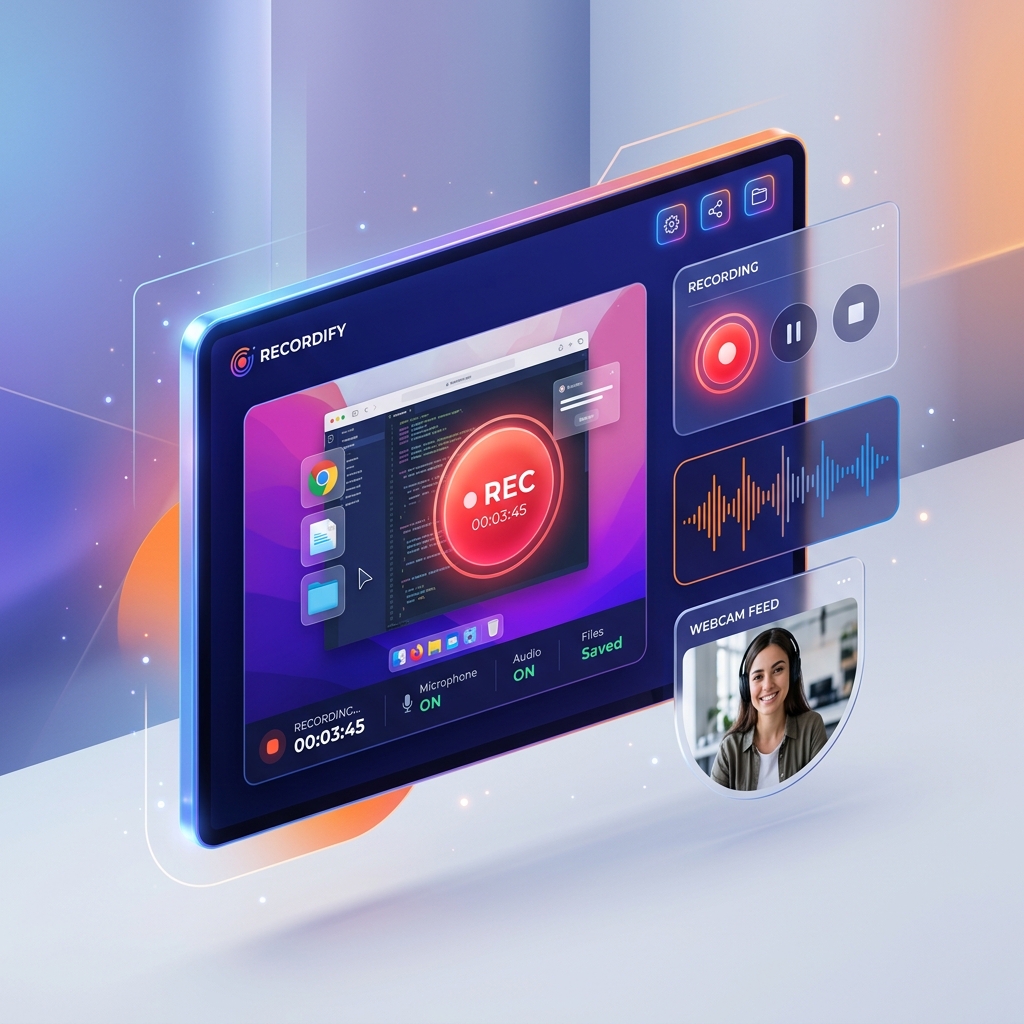
Recording Sources
Video Settings
Note: Files are saved in WebM format. If you need MP4, you can use a free online converter after downloading.
PDFZora's Screen Recorder is the most powerful free tool for recording your screen instantly. Whether you need a Screen Recorder for tutorials, presentations, or gameplay, this Screen Recorder handles it all. Use this free Screen Recorder to capture your screen, webcam, or both with audio. Unlike other tools, our Screen Recorder works entirely in your browser with no downloads. Try this Screen Recorder today with no signup or watermarks.
How to Use This Screen Recorder
Setup
Toggle screen, webcam, and audio sources.
Permissions
Click Start and allow browser permissions.
Record
Perform the actions you want to capture.
Stop
Click the Stop button when finished.
Download
Save the WebM video directly to your device.
Common Use Cases for Screen Capture
| Use Case | Best Settings |
|---|---|
| Tutorials | Screen + Microphone, 1080p, 30fps |
| Gameplay | Screen + System Audio, 1080p, 60fps |
| Presentations | Screen + Webcam + Mic, 720p, 30fps |
| Bug Reports | Screen only, 720p, 15fps |
| Product Demos | Screen + Webcam, 1080p, 30fps |
Recording Tips & Best Practices
- Grant necessary permissions when prompted by your browser
- Close unnecessary tabs and applications for better performance
- Speak clearly if you are recording with your microphone
- Choose appropriate video resolution for your specific needs
- Test your audio levels before recording important content
- Use a headset to avoid echo when recording system audio
Troubleshooting Guide
- Screen recording not working? Check the browser permissions in the address bar.
- No audio? Make sure microphone permissions are granted.
- Video choppy? Try lowering the resolution to 720p or frame rate to 15fps.
- Can't share screen? Ensure you are using a modern browser like Chrome, Edge, or Firefox.
Compatibility & Browser Support
Works flawlessly on Chrome, Edge, Firefox, and Opera. Safari support is limited for the Screen Capture API. Requires HTTPS or localhost for getUserMedia to function securely. Mobile browsers currently have limited screen recording support.
Free PDF Tools
Manage your documents easily with our free PDF tools.
Split PDF
Upload to preview pages, edit order or remove pages, then split
Rotate PDF
Rotate single or multiple PDFs instantly, exactly the way you need.
Unlock PDF
Unlock your PDFs, remove password protection, and enjoy complete freedom.
Free Productivity Generators
Tools designed to help you live a better, healthier, and more organized life.


Trusted Screen Recording Resources
To learn more about secure screen capture and browser media APIs, we recommend these authoritative resources:
-
MDN: Screen Capture API →
Documentation from Mozilla on using web technologies to capture screen content. -
W3C: MediaStream Recording →
The official W3C specification for recording media directly in the browser. -
Google Web.dev: Media Recording →
Best practices and guides for recording audio and video from Google.
Educational Content & FAQs
Q1: Is this Screen Recorder really free?
Yes! PDFZora's Screen Recorder is completely free with no watermarks, no time limits, and no signup required.
Q2: What can I record with this tool?
You can record your entire screen, specific application windows, browser tabs, webcam, microphone audio, and system audio.
Q3: Do I need to install any software?
No! This Screen Recorder works entirely in your browser using WebRTC and MediaRecorder APIs. No downloads or installations needed.
Q4: How long can I record?
Recording duration is limited by your browser's memory. Typical recordings of 30-60 minutes are possible. Longer recordings may require more powerful hardware.
Q5: What video format is the recording saved as?
Recordings are saved as WebM format which plays in most modern browsers and video players.
Q6: Can I record my screen and webcam simultaneously?
Yes! Enable both "Record Screen" and "Record Webcam" options to create picture-in-picture recordings.
Q7: Does it record internal system audio?
Chrome and Edge support system audio recording via getDisplayMedia with audio enabled. Firefox has limited support.
Q8: Are PDFZora PDF tools really free?
Yes, all free PDF tools online have no watermarks, no signup, and no hidden fees. Try JPG to PDF, Merge PDF, and Compare PDF today.
Q9: Is my recording stored on your servers?
No! All recordings are processed locally in your browser. We never upload, store, or access your recordings.
Q10: Does PDFZora have other productivity tools?
Yes! Check our Age Calculator, Password Generator, and Stopwatch for more helpful tools.
Ready to Record Your Screen & Work Smarter with Free PDF Tools?
Join 100,000+ users who trust PDFZora for screen recording and document management.
Capture high-quality video instantly with our free online screen recorder. Record your screen, gameplay, or webcam to build professional tutorials without downloading software. Fast, local, and completely free.
Try Screen Recorder & Free PDF Tools Now →