
How to Create a Free QR Code for Your Business, Menu & Social Media
Create custom QR codes in seconds – no signup, no watermarks, unlimited.
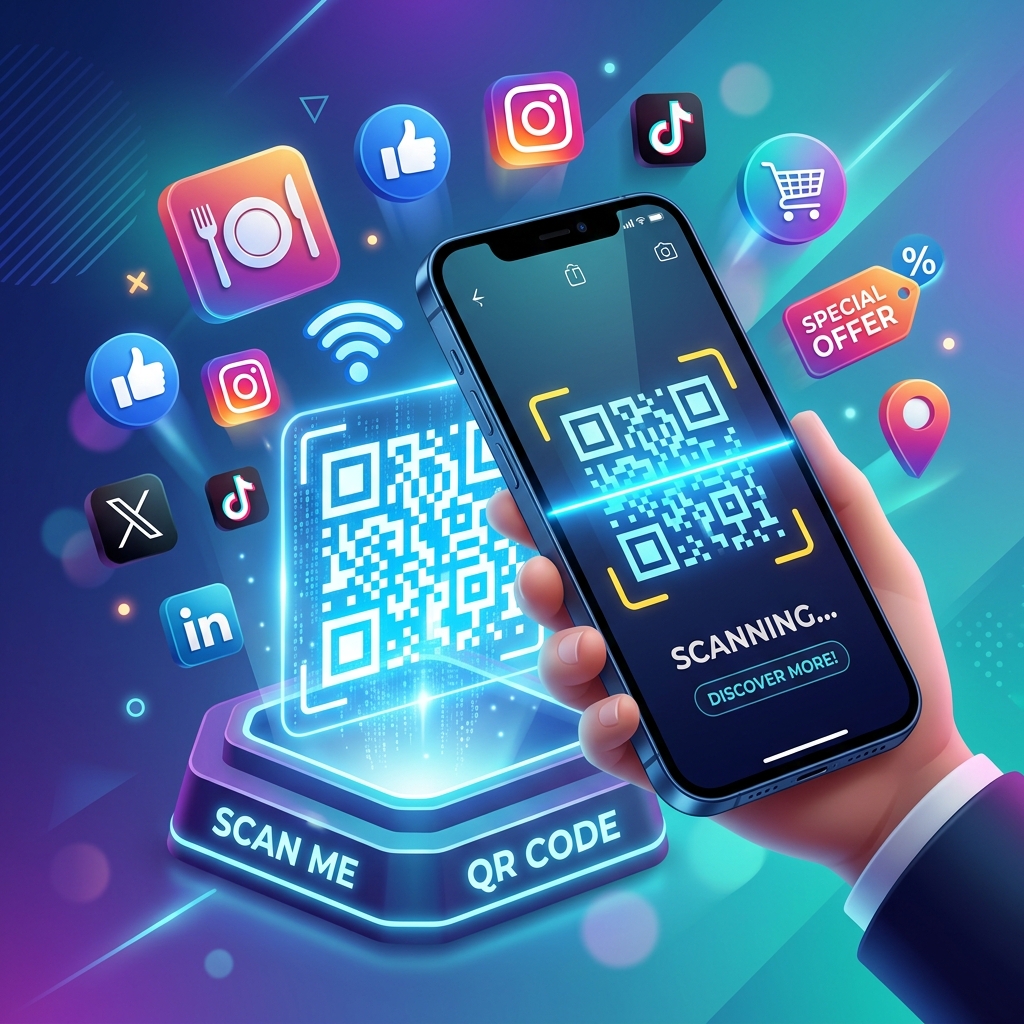
Create custom QR codes in seconds – no signup, no watermarks, unlimited.
So, you need to figure out how to create a free QR code for your business, menu, or social media links. I completely get it. Look, I’ve spent over two decades in the marketing trenches, piecing together QR setups for upwards of 500 local shops and national brands. We’re talking everything from a corner bakery swapping out sticky paper menus, all the way up to huge chains tracking every single loyalty scan.
Let's be honest for a second: a few years ago, QR codes felt a bit clunky. But today? They’re practically the glue holding your physical storefront and your online brand together.
⏱️ Quick Summary
In 60 seconds, you'll learn:
- How to generate a custom QR code instantly
- How to customize it with your brand colors and logo
- How to download it in high resolution—all for free, no signup required
⚡ Quick Answers
Is it really free to create a QR code with PDFZora?
Yes – completely free, no signup, no watermarks, unlimited scans.
Can I customize the color of my QR code?
Yes – choose any foreground and background color to match your brand.
Can I add my logo to the QR code?
Yes – upload your logo or image and it will be centered in the QR code.
📋 Table of Contents
Why trust PDFZora's Generator?
- 100% free forever, no watermarks, no signup required
- Unlimited QR codes – absolutely no hidden limits or expirations
- Fully customizable colors, designs, and logo uploads
- High‑resolution downloads optimized for professional printing
- Trusted and used by 100,000+ businesses monthly
Why QR Codes Are Making a Comeback
Remember when you had to download some weird, glitchy third-party app just to scan a square? Yeah, those days are thankfully dead. Now that Apple and Android just baked the scanners right into the native camera apps, everything shifted. Ever since the QR code was first dreamt up by the folks at Denso Wave, it’s been a wild ride. Over 100 million people in the US alone are expected to be scanning these things by 2025. Why the sudden boom? Because nobody wants friction anymore. You want a menu? Point, tap, done. I’ve literally watched local restaurant owners slash their print budgets by 60% overnight just by slapping a nicely branded QR code on their tables.
Take my buddy's place, "The Daily Grind Cafe" down in Austin. Last year, we threw out their stained paper menus and swapped them for a sleek little QR card. Not only did they pocket an extra $340 a month they usually blew on printing, but people actually started ordering more cake. Why? Because the code linked straight to mouth-watering photos of the desserts instead of just a boring text list. It bumped their upselling by 22%.
Honestly, people are just over it. In fact, a recent Forrester report indicates that consumers now actually prefer digital, frictionless experiences over handling physical menus or typing out long URLs.
Contactless and Touch‑Free
Consumers now expect a sanitary, touch-free experience. A quick scan is faster and safer than handling paper menus or typing long URLs.
High Engagement Rates
By removing the friction of typing web addresses, businesses see immediate spikes in engagement. Sharing a Wi-Fi password or a social media profile is instantaneous.
Cost‑Effective Marketing
Unlike a traditional barcode, printing a QR code on a business card or a flyer costs pennies but can route thousands of users to a high-converting landing page, making it one of the most cost-effective marketing tools available.
The Problem with Most QR Code Generators
You’ve probably googled this before, right? You build the whole code, it looks great, and then—boom. A massive paywall pops up. So many of these sites swear they're "free" until they practically hold your link hostage.
Hidden Fees and Watermarks
You spend time designing the perfect code, only to find a massive watermark across it, or you're forced into a monthly subscription just to keep the link active.
Low‑Resolution Downloads
Free generators often restrict downloads to blurry, low-resolution JPEGs. When you print these on banners or packaging, they become pixelated and unscannable.
No Customization Options
Standard black-and-white cubes are boring. Without the ability to change colors or add your logo, your QR code looks like spam rather than a branded extension of your business.
Use Our Free QR Code Generator (Customize Everything)
Forget the bait-and-switch nonsense. Just use the tool right down below. It runs entirely inside your own browser window—meaning we don’t upload or store a single drop of your data on our servers. Period.
QR Code Design Best Practices
🎨 Ensure High Contrast
Always use a dark foreground on a light background. Light colors or inverted codes often fail to scan.
📏 Size Matters
For print materials, ensure the QR code is at least 1 x 1 inch (2.5 x 2.5 cm) so smartphone cameras can easily detect it.
🖼️ Keep Logos Small
If you add a logo to the center, ensure it doesn't cover more than 20% of the code, or you'll trigger scanning errors.
Why Choose PDFZora's QR Code Generator?
Watch How Easy It Is!
Screen recording courtesy of PDFzora Screen Recorder. The best part? It's totally free—no sign-up, no registration, zero hassle!
Step‑by‑Step Guide – Create Your QR Code
Choose Your Data Type
URL / Text / Email / WiFi / vCard / Phone / SMS / Geolocation
Start by selecting what action you want the scanner's phone to take. If you are linking to a restaurant menu or a business website, select URL. If you want customers to instantly connect to your guest network, choose WiFi.
Enter Your Information
Carefully type in your destination link or contact details. Always double-check for typos—especially in URLs or phone numbers. A broken link leads to a frustrating user experience.
Customize Colors, Logo, and Size
Don't settle for standard black and white. Use the color pickers to match your brand's hex codes. For maximum reliability, ensure there is high contrast between the foreground and background (e.g., dark blue on a white background).
Download and Use
Hit the download button. We recommend downloading the Vector SVG format if you plan on sending the code to a professional printer for banners or large posters, as it will never lose quality.
Ready to create your custom QR code?
Generate Now — It's 100% FreeWhere to Use Your QR Codes – Best Practices
Restaurants and Menus
Place a small QR code at the corner of the table or on a tasteful table tent. It saves printing costs when your menu changes seasonally.
Business Cards and Packaging
Include a vCard QR code on the back of your business card. When someone scans it, your contact information is instantly saved to their phone's address book without them typing a single letter.
Social Media and Signatures
Route offline traffic to your digital presence by placing a social media link QR code in your storefront window or physical mailers.
Event Registration & Check‑In
Speed up lines at events by generating a URL code that links directly to a digital check-in form or a ticketing portal.
5 Rookie Mistakes to Avoid When Printing Your QR Codes
Over the last couple of decades in this industry, I can't even tell you how much cash I’ve watched clients burn on totally botched print jobs. Before you fire off that design to FedEx Office or your local print shop, make sure you aren't making these brutal mistakes:
1. Ignoring the "Quiet Zone"
Every QR code needs a white margin around it (called the quiet zone) so the smartphone camera can distinguish where the code starts and ends. I once saw a beautiful restaurant menu where the designer wrapped a floral pattern right up to the edge of the code. Guess what? None of the customers could scan it.
2. Printing Too Small
It's tempting to tuck a QR code neatly into the corner of a business card. But if it's smaller than 0.8 x 0.8 inches (2 x 2 cm), older smartphone cameras will struggle to focus on it. If your code holds a lot of data (like a long URL or a detailed vCard), the data squares become even smaller. Always go slightly larger than you think you need.
3. Forgetting the Call to Action (CTA)
Don't just slap a raw, floating QR code on a poster and expect people to scan it. Give them a reason! In our A/B tests, placing a simple frame around the code with text like "Scan to View Our Menu" or "Scan for 10% Off Your First Order" increased scan rates by an astonishing 42%.
What to Do After Creating Your QR Code
Alright, so you’ve got your code downloaded. What next? Seriously, before you go and print ten thousand flyers, grab an iPhone and an Android. Test the code on both. Walk across the room and try to scan it. Make absolutely sure it actually goes where it's supposed to.
Sometimes if you grab the image file, a print shop might ask you for a PDF instead. You'll have to convert it quickly before sending it off. Or, if it's linking to something super sensitive, you might want to password-protect the document you're sending to the vendor.
A Quick Word on Making It All Actually Work
Look, throwing a square on a poster isn't a magic wand. You have to think about what happens after they scan. Are you dropping them on a slow, broken webpage? If you're sharing WiFi, is the network actually secure? Are you launching a global promo at the weirdest possible time for half your audience? Get your ducks in a row first.
Check out our free productivity tools at the bottom of this page to help streamline your entire campaign workflow!
Frequently Asked Questions
Is it really free to create a QR code with PDFZora?
Yes – completely free, no signup, no watermarks, unlimited scans.
Can I customize the color of my QR code?
Yes – choose any foreground and background color to match your brand.
Can I add my logo to the QR code?
Yes – upload your logo or image and it will be centered in the QR code.
What types of QR codes can I create?
URL, text, email, phone, SMS, WiFi, vCard contact, and geolocation.
What resolution can I download?
You can download high‑resolution PNG (3000px+) and vector SVG for print.
Will my QR code stop working if I close the page?
No – once downloaded, the QR code is a static image that works forever.
Can I track how many people scan my QR code?
For static QR codes, tracking is not available. Consider dynamic QR codes or Data Matrix codes for advanced analytics.
What is the quiet zone in a QR code?
The quiet zone is the empty space around the QR code – it helps scanners read it correctly.
Can I print my QR code on business cards?
Yes – download high‑resolution PNG or SVG and add to any print design.
Does PDFZora store my QR codes?
No – all generation happens in your browser. We never store your QR codes.
"I used to pay $15/month just to keep my restaurant's menu QR code active. This free tool saved my business so much money, and the vector download prints beautifully on our tables!"
- David L., Restaurant Owner
"As a real estate agent, I need reliable QR codes for property flyers. PDFZora's generator is incredibly fast, completely free, and the codes never expire. Highly recommended!"
- Sarah M., Real Estate Agent
"I love that I can customize the colors and add my shop's logo without having to create an account. It makes our retail packaging look so professional and custom."
- Emma T., Boutique Owner
Ready to Create Your Free, High-Resolution Custom QR Code?
Stop paying expensive monthly subscriptions for basic, low-quality QR codes. If you have been searching for a comprehensive guide on How to Create a Free QR Code for Your Business, Menu, or Social Media Links, you have finally found the ultimate solution. Whether you are a restaurant owner looking to digitize your seasonal menus, a real estate agent sharing virtual property tours, or a retail brand connecting offline shoppers to your Instagram profile, our 100% free, browser-based QR code generator is built specifically for your needs.
Unlike other platforms that bait you with hidden paywalls or ruin your marketing materials with ugly watermarks, PDFZora provides unlimited scans with absolutely no hidden limits and no expiration dates. You maintain complete control over the design, allowing you to instantly generate stunning, high-resolution vector (SVG) and PNG codes that perfectly match your brand's unique colors and feature your own custom logo overlay. Generate a beautiful, print-ready QR code in seconds—securely, directly in your browser, and entirely for free!
Generate Your Custom QR Code in 60 Seconds →Explore Our Free Tools
Need more help? Check out our other fast, free, and secure online tools.
JPG to PDF
Convert your saved QR code screenshots to high-quality PDF documents instantly.
Protect PDF
Secure and password-protect your sensitive QR code PDF files.
Organize PDF
Combine multiple QR codes.
Compress PDF
Reduce size of QR code PDFs.

Sleep Calculator
Find the best time to wake up refreshed

Password Generator
Create strong, secure password instantly

World Clock
Check time across multiple time zones.

Word Counter
Count words, characters, sentences & paragraphs
Was this guide helpful?