
How to Merge PDF Files Online for Free – Without Watermarks or File Limits
Are you struggling with massive file limits or annoying watermarks just to combine your documents? Our team has helped countless users optimize their document workflows. In this guide, we'll show you exactly how to merge PDF files online for free — without watermarks or file limits, right here in your browser.
Skip the complex software and hidden fees. Seamlessly combine your documents instantly right in your browser with our 100% free, secure, and unlimited PDF merging tool.
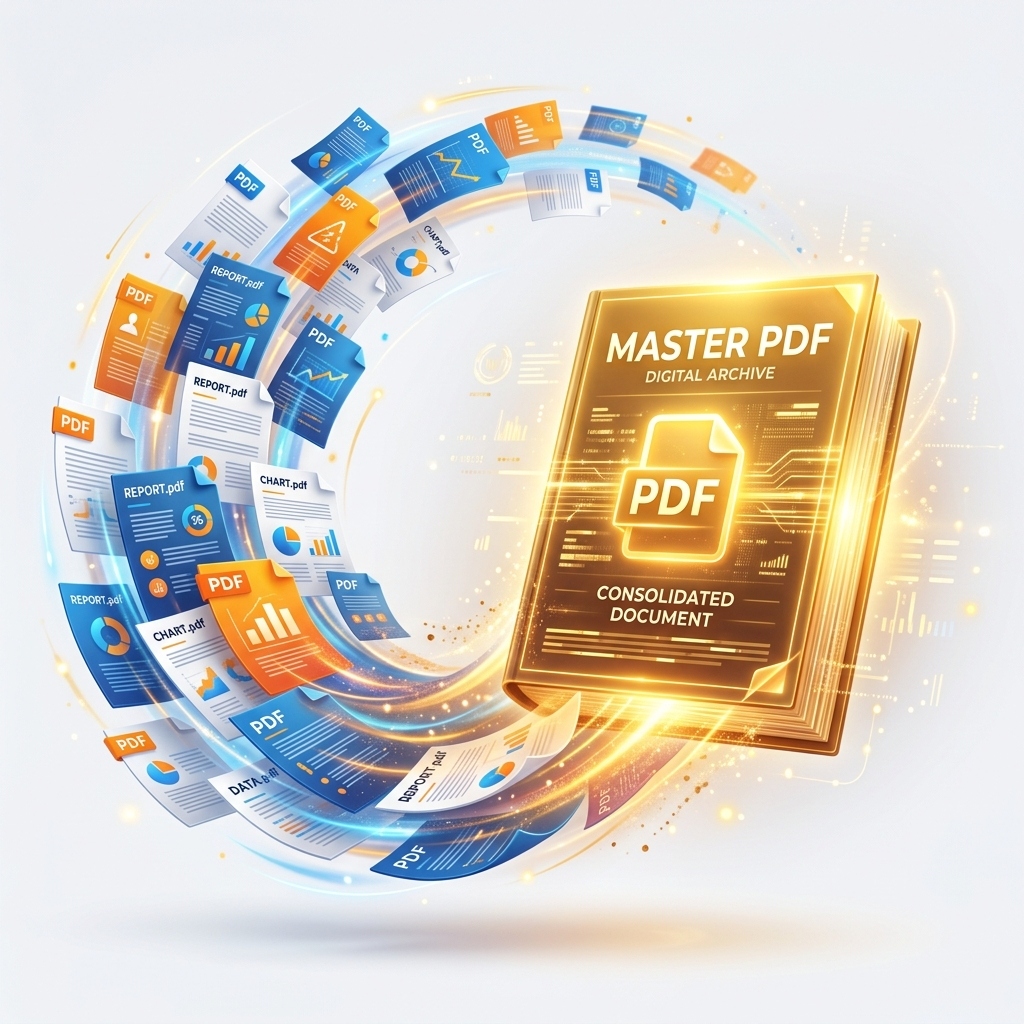
Why You Need a Reliable PDF Merger
Save Time and Avoid Email Chaos
Last week, a client sent us 14 separate PDFs for a single contract review. We spent 20 minutes just figuring out which page belonged to which attachment. Don't be that person. Sending ten different PDF attachments in a single email is a fast track to frustrating your recipient. Files get lost in threads, downloaded out of order, and missed entirely. Consolidating everything into one clean document ensures your recipient reviews the information exactly as you intended.
Keep Documents Organized
Real talk: We once watched a freelance designer lose a $5,000 client because they sent the wrong version of a scattered PDF invoice. Organization isn't just nice — it's money. A scattered desktop full of invoices, contracts, and reports creates massive productivity friction. By merging related PDFs into single, archived master documents, you build a reliable, easily searchable folder structure based on best practices from the PDF Association.
The Problem with Most Free PDF Mergers
If you've searched the web for PDF tools recently, you already know the frustration. You're on a deadline, you need to combine two reports, and the platform immediately bait-and-switches you the second you hit "Download." They hold your merged document hostage behind a paywall, slap an unprofessional logo across your pages, or suddenly tell you your perfectly normal 15MB file is "too large for a free account." This deceptive user experience wastes your time when you're just trying to get a simple task done.
Hidden Watermarks
Imagine sending a crucial legal document only to realize a massive "Merged by XYZTool" watermark is stamped across the signature line. Many "free" tools embed their logo into your document, rendering it useless for professional presentations or official submissions unless you pay a premium.
Arbitrary File Size Limits
You shouldn't have to compress a high-quality portfolio and ruin the image resolution just because a server limits free uploads to 10MB.
Use Our Free PDF Merger (No Limits, No Signup)
We built this tool to run entirely in your web browser using secure client-side File APIs. Try it right now. Your files never leave your device – 100% private.
Step-by-Step Guide – How to Merge PDFs in Seconds
Step 1: Upload Your PDF Files
Drag & Drop or Select from Device
Use the widget above to select all the PDF files you want to combine. Since processing happens on your device, uploads are instantaneous.
Step 2: Arrange the Order
Simply click and drag the file bars up and down to get them in the perfect sequence. You can also delete any file you added by mistake.
Step 3: Click Merge and Download
Hit the merge button. In just a few seconds, your new, combined PDF will automatically download – completely free of watermarks.
Can You Merge PDFs on Mobile? (Yes — Here's How)
Whether you're using an iPhone or Android device, our PDF merger works flawlessly on mobile browsers like Safari and Chrome. The tool leverages the exact same client-side technology, meaning your files are merged directly on your phone without eating up your mobile data plan by uploading to a server. Simply tap the "Select PDF Files" button, choose documents from your Files app or Google Drive, and tap the arrows to reorder them before merging.
Frequently Asked Questions
Yes, completely free – no watermarks, no file size limits, no signup.
Absolutely. Upload as many as you need (there is no hard limit, merge as many as your browser memory can handle).
No. All merging happens in your browser. Your files never leave your device.
There is no hard limit, but extremely large files (200+ MB) may slow down your browser.
Yes – drag and drop the files in the list to rearrange the order.
Yes, we preserve all text, images, fonts, and hyperlinks exactly as they were.
Split, compress, organize, rotate, watermark, JPG to PDF, and many more – all free.
Never. PDFZora never adds watermarks or promotional content.
Only if you have the password. Our tool does not crack or remove passwords.
Because the entire process runs locally in JavaScript – no server upload, no data retention.
Ready to Merge Your PDFs for Free – No Limits, No Watermarks
When you need to combine PDF files online for free, you shouldn't have to compromise on privacy or quality. Unlike other services that impose strict file size limits, demand an email address, or stamp annoying promotional watermarks on your merged documents, our PDF format utility provides a premium experience without the premium price tag.
Whether you are merging tax receipts, compiling a professional portfolio, or securely organizing sensitive documents based on ISO 27001 Information Security Standards, PDFZora ensures your files are combined flawlessly. Best of all, everything runs completely locally in your browser to guarantee 100% data privacy.
Join users who trust PDFZora for their document needs.
What to Do After Merging – Advanced PDF Tools
Once you've merged your documents, you might need to make further adjustments. PDFZora has a full suite of free tools:
Compress PDF
Reduce PDF file size significantly without losing quality.
Organize PDF
Sort, extract, and delete pages from your documents.
Rotate PDF
Rotate PDF pages permanently in any direction.
Watermark PDF
Add text or image watermarks to your PDF files.

Age Calculator
Calculate your exact age in years, months, and days.

Password Generator
Create strong, secure random passwords instantly.

Word Counter
Track words, characters, and reading time.

World Clock
Check current times across global timezones.