
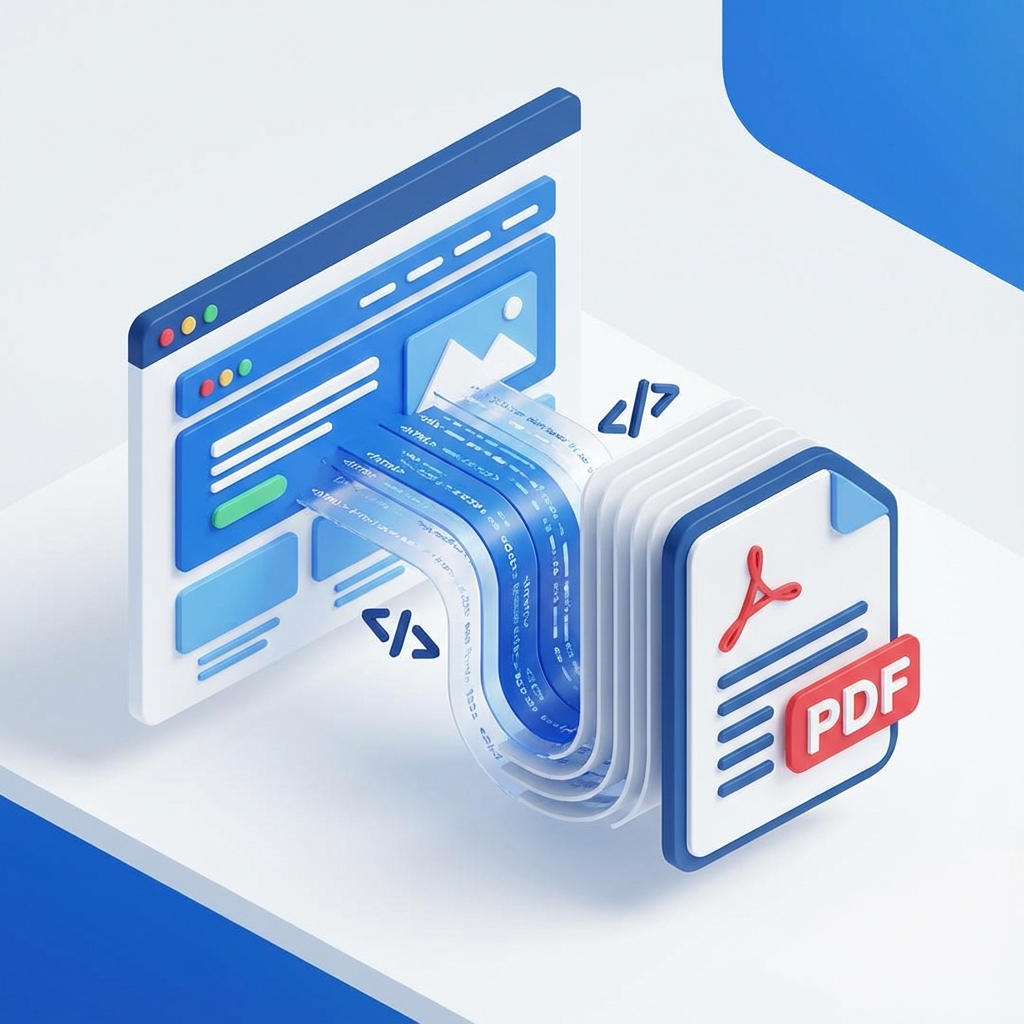
HTML to PDF
Instantly convert any webpage URL to a high-quality PDF document. Our advanced HTML to PDF converter captures text, images, CSS styles, and layout 100% accurately—exactly as seen in your browser.
What Is HTML to PDF?
HTML to PDF is a powerful, free utility that allows you to transform any live webpage URL into a portable, professional PDF document. It creates a robust offline copy that preserves the visual fidelity, text, and active links of the original site—all without requiring any software installation or registration.
How to Convert HTML to PDF Online (Step-by-Step)
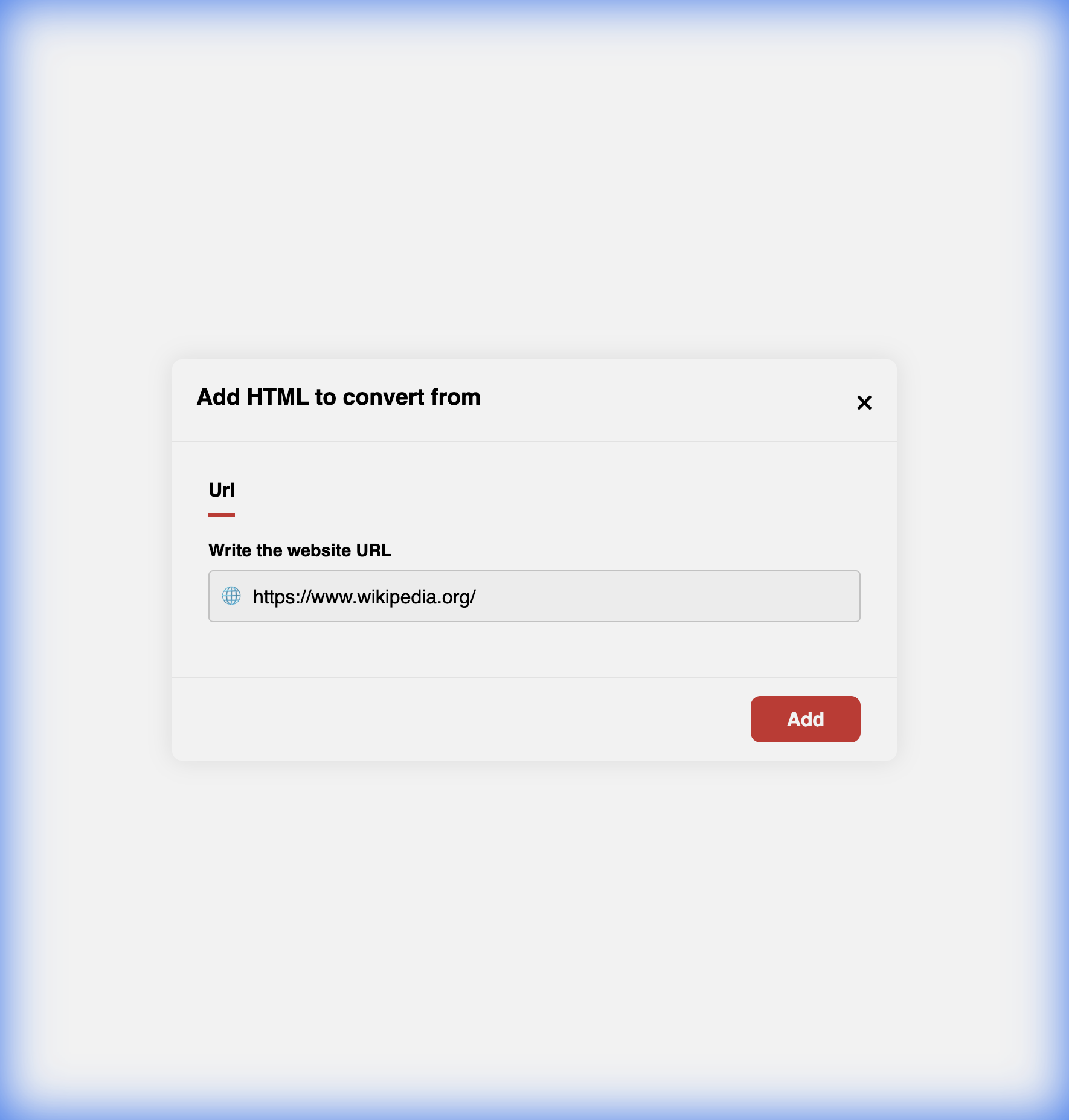
Enter Key URL
Copy the full web address (http:// or https://) of the page you wish to save and paste it directly into the URL input field above.
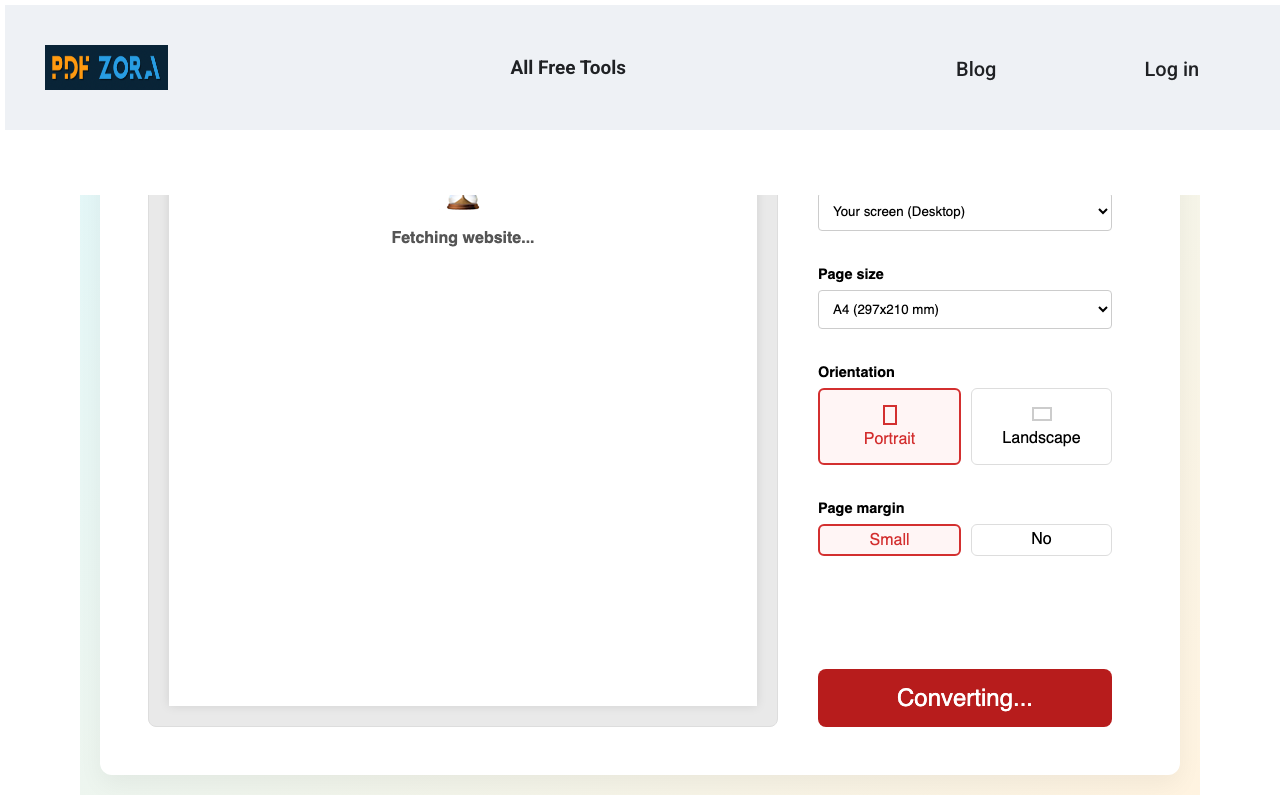
Click to Convert
Hit the "Convert" button. Our cloud-based rendering engine will process the HTML content, CSS, and assets to generate a pixel-perfect PDF in seconds.
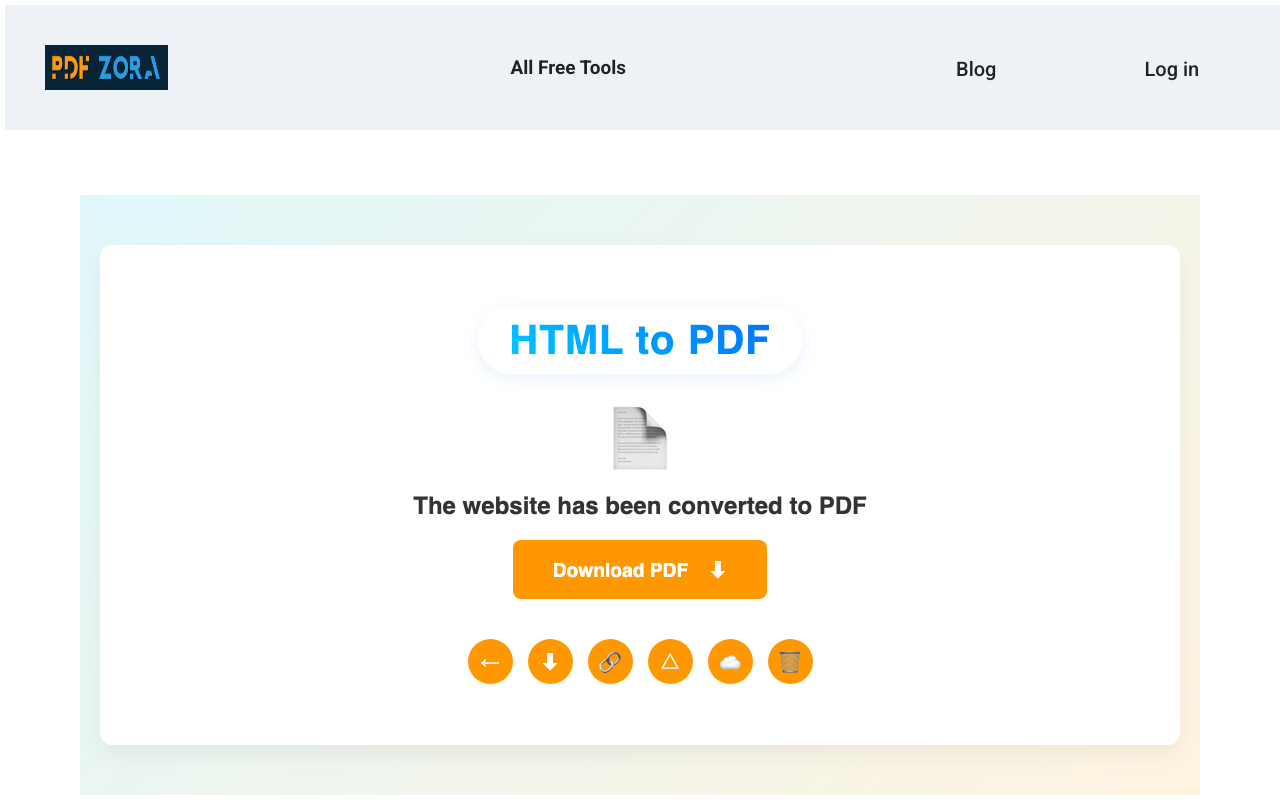
Download your PDF
Once the conversion is complete, click to download your PDF immediately. the file is ready for sharing, printing, or archiving.
Supported Formats
We strictly adhere to standard web protocols to guarantee compatibility and smooth conversion for every user:
- Input Formats: HTTP, HTTPS URLs (HTML pages)
- Output Format: Standard PDF (Portable Document Format)
Why Use HTML to PDF on PDFZora?
PDFZora offers a premium, enterprise-grade conversion experience completely for free. Unlike basic text scrapers, our HTML to PDF tool is engineered for:
- Complete Accuracy: We use advanced rendering engines (Chromium-based) to ensure the PDF looks exactly like the website.
- Full Page Capture: Smart scrolling technology captures the entire page length, ensuring no content is cut off at the bottom.
- Maximum Simplicity: No need to install browser extensions, plugins, or software—just paste the URL and go.
Key Features
- Active Hyperlinks: Links in the original page remain clickable in the PDF.
- High Fidelity: Preserves CSS styles, fonts, and image layout.
- Cross-Platform: Works flawlessly on Mobile, Tablet, and Desktop browsers.
- Cloud-Based: All processing happens on our powerful servers, saving your battery.
HTML to PDF Online vs. Offline Software
Why clutter your computer with heavy software when you can do it online?
| Feature | PDFZora Online | Offline Software |
|---|---|---|
| Cost | 100% Free | Expensive Licenses |
| Installation | None | Required |
| Accessibility | Any Device | Single Device |
Why Online Tools Are Better for Most Users
Online tools like PDFZora remove the friction from file conversion. You don't need to worry about software updates, OS compatibility (Windows/Mac/Linux), or disk space. Just open your browser, submit your link, and get results instantly. It is the modern, efficient way to manage digital documents.
Is It Safe to Use Online Tools?
Yes, absolutely. We use enterprise-grade security measures to ensure your data is handled with the utmost care. Using our online converter is as safe as checking your email or banking online, with strict privacy protocols in place.
Security & Protection
Your privacy is our top priority:
- SSL Encryption: All data transfers are encrypted via 256-bit SSL.
- Auto-Deletion: Files are automatically deleted from our servers after 60 minutes.
- No Access: No human ever views your documents; the process is fully automated.
Common Use Cases for HTML to PDF
- Saving Receipts & Proof: Capture exact proofs of purchase, payment confirmations, or booking details from ephemeral screens.
- Academic & Legal Research: Archive news articles, journals, case studies, and blogs for stable citation or offline reading.
- Technical Documentation: Save online manuals, wikis, or tutorials into a single, searchable, and printable PDF file.
Supported Devices and Browsers
PDFZora works seamlessly on:
- Operating Systems: Windows, macOS, Linux, iOS, Android.
- Browsers: Chrome, Safari, Firefox, Edge, Opera.
Frequently Asked Questions
Yes, PDFZora is completely free. You can convert as many webpages as you like without paying or registering.
Simply copy the URL of the webpage, paste it into the input box above, and click "Convert". Then download your file.
Yes. Our converter preserves active hyperlinks, so you can click on links in the PDF just like on the real website.
Yes, PDFZora captures the entire scrollable content of the page, not just what's visible on your screen.
No. Our tool cannot access pages that require a login (like your email inbox). We can only convert publicly accessible URLs.
Absolutely. We use SSL encryption for data transfer and automatically delete all converted files from our servers after one hour.
Yes, it's fully responsive. You can convert webpages to PDF directly on your iPhone, iPad, or Android device.
It typically takes only a few seconds to render and convert the page, depending on the complexity of the website.
Explore More Tools
Word to PDF
Convert DOC and DOCX files to PDF instantly.
Image to PDF
Turn your images into professional PDF documents.
Compress PDF
Reduce file size while maintaining high quality.
Merge PDF
Combine multiple PDFs into a single organized file.
PDF to Word
Convert PDF files back to editable Word docs.
Excel to PDF
Transform spreadsheets into easy-to-read PDFs.
Try HTML to PDF Online – Free on PDFZora
Start converting today. Fast, easy, and completely free. Boost your productivity with the best online PDF tools designed for professionals and students alike. Secure, reliable, and always accessible.
Convert Now