
Free Password Generator – Create Strong, Secure Passwords Instantly
Create highly secure, completely random passwords and passphrases. Keep your online accounts safe with our cryptographic Password Generator. No signup required.
Generate Password Now →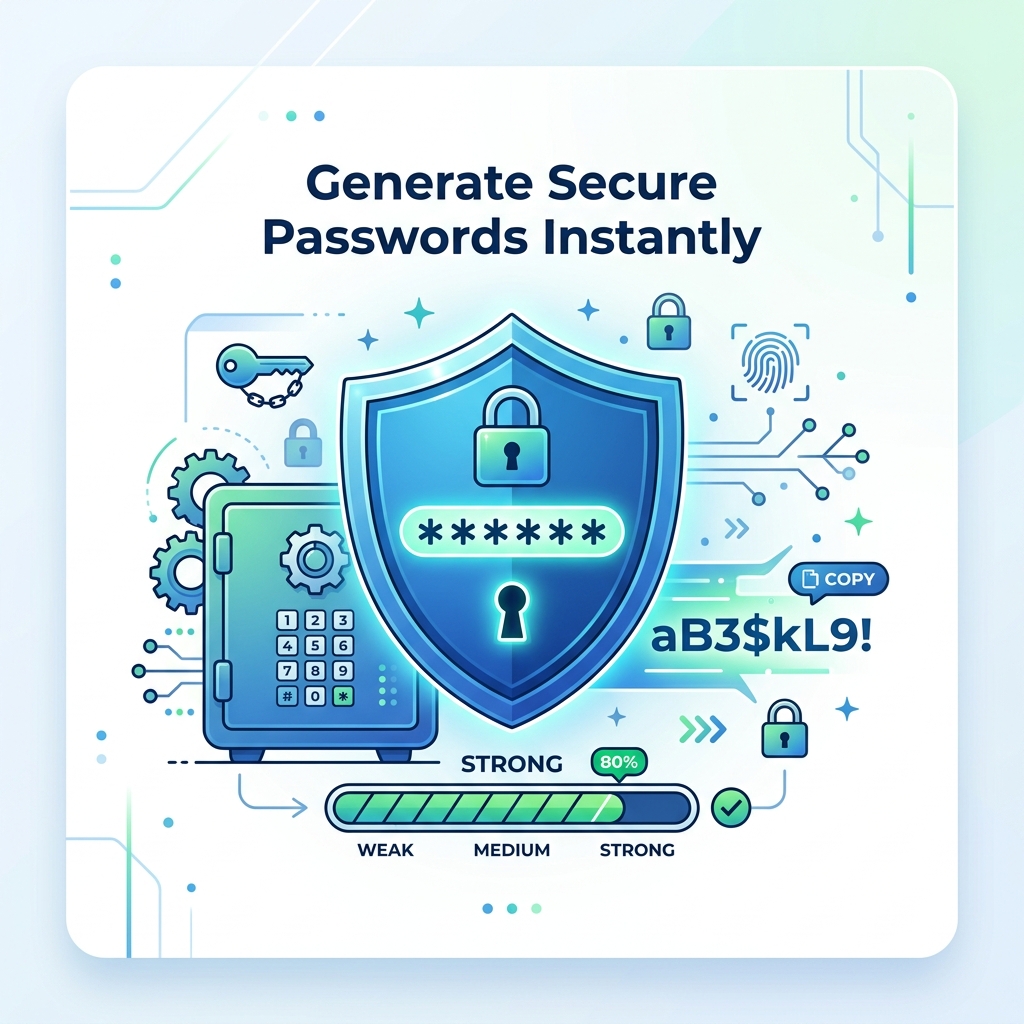
Password Settings
Passphrase Settings
Tip: Good for most accounts.
The Ultimate Free Password Generator
PDFZora's Password Generator is the most powerful free tool for creating strong, secure passwords instantly. Whether you need a Password Generator for online accounts, email security, or financial services, this Password Generator handles it all. Use this free Password Generator to create random passwords with customizable length and character types. Unlike other tools, our Password Generator includes entropy calculation and password strength indicators. Try this Password Generator today with no signup or watermarks.
How to Use the Password Generator
-
Select Your Mode
Choose between generating a completely random string of characters or a memorable passphrase built from random words.
-
Adjust Length
Use the slider to set your desired password length. For maximum security, we recommend at least 16 characters.
-
Customize Characters
Toggle uppercase, lowercase, numbers, and symbols. Optionally exclude ambiguous characters for better readability.
-
Check the Strength
Watch the real-time strength meter. Ensure your password is rated "Strong" or "Very Strong" before using it.
-
Copy & Secure
Click "Copy to Clipboard" and immediately paste the password into your secure password manager.
Understanding Password Strength & Entropy
What is Entropy?
Password entropy is a mathematical measure of how unpredictable a password is, calculated in "bits". Higher entropy means a password is exponentially harder for a computer or hacker to guess using brute-force attacks.
Our Password Generator calculates entropy using this formula:
E = L × log2(R)
Where L is length, and R is the pool of possible characters.
- Very Weak (0-20 bits): Easily guessable. Do not use.
- Weak (21-40 bits): Could be cracked quickly. Avoid.
- Fair (41-60 bits): Moderate security. Okay for low-risk sites.
- Strong (61-80 bits): Good for most online accounts.
- Very Strong (81+ bits): Excellent security. Impervious to brute force.
Cybersecurity Best Practices
Use Unique Passwords
Never reuse the same password across multiple accounts. A breach on one site shouldn't compromise your entire digital life.
Enable 2FA
Always enable Two-Factor Authentication (2FA) when available. It adds a critical second layer of security.
Never Share Passwords
Legitimate companies will never ask for your password via email or phone. Keep them strictly confidential.
Use a Password Manager
Store the complex passwords generated here in a secure, encrypted password manager.
Change After Breaches
If a service you use announces a data breach, immediately change that password and any similar ones.
Avoid Personal Info
Never include names, birthdays, pet names, or easily discoverable personal information in passwords.
Free PDF Tools
Manage your documents easily with our free PDF tools.
Split PDF
Upload to preview pages, edit order or remove pages, then split
Rotate PDF
Rotate single or multiple PDFs instantly, exactly the way you need.
Unlock PDF
Unlock your PDFs, remove password protection, and enjoy complete freedom to use your files however you like.
Free Productivity Generators
Tools designed to help you live a better, healthier, and more organized life.
Trusted Cybersecurity Resources
To learn more about password security and protecting your digital identity, we recommend the following authoritative resources:
-
CISA: Use Strong Passwords →
Guidelines from the Cybersecurity & Infrastructure Security Agency. -
FTC: Creating Strong Passwords →
Consumer advice from the Federal Trade Commission on securing accounts. -
EFF: Creating Strong Passwords →
Surveillance Self-Defense guide by the Electronic Frontier Foundation.
Frequently Asked Questions
Yes! Our generator uses cryptographic-grade random number generation (crypto.getRandomValues), providing high-entropy passwords suitable for securing sensitive accounts.
We recommend 16-20 characters for most accounts. For high-security accounts (banking, email), use 25+ characters with all character types enabled.
No. All passwords are generated locally in your browser. We never store, track, or transmit your generated passwords.
Once the page loads, it works completely offline. No internet connection is required for password generation.
Entropy measures password randomness in bits. Higher entropy means stronger passwords. Our meter shows estimated crack time based on entropy.
Yes! Including multiple character types significantly increases entropy and makes passwords harder to crack.
Passphrases are longer but more memorable combinations of words (e.g., "correct-horse-battery-staple"). They offer high entropy with easier recall.
Yes, all free PDF tools online have no watermarks, no signup, and no hidden fees. Try Split PDF, Rotate PDF, and Unlock PDF today.
Change passwords annually or immediately after any suspected breach. Use our generator to create new strong passwords.
Yes! Check our World Clock, Tip Calculator, and Morse Code Translator for more helpful tools.
Ready to Generate Strong Passwords & Work Smarter with Free PDF Tools?
Join 100,000+ users who trust PDFZora for password security and document management.
Generate secure, highly randomized passwords and passphrases instantly with our free online password generator. Build a strong password to protect your online accounts, banking, and emails from hackers. Fast, local, and 100% secure.
Try Password Generator & Free PDF Tools Now →