
Online Stopwatch with Lap Timer: Best Free Tool for Workouts, Cooking, and Studying
Track your laps, measure your productivity – all from your browser, completely free. Use the best digital clock widget to optimize your time management today.
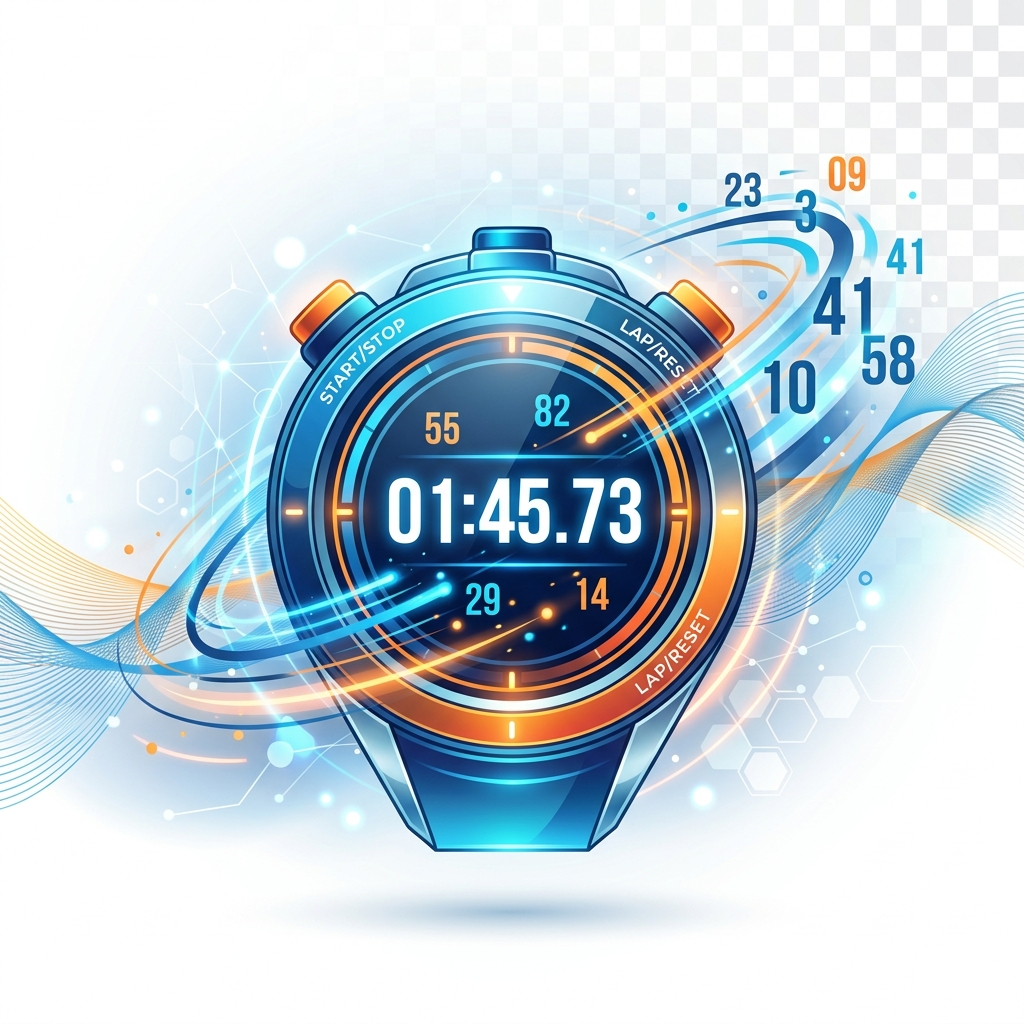
If you're looking for an online stopwatch with lap timer, you've landed in exactly the right place. One of our PDFZora team members will never forget the Thanksgiving of 2018: they had three different delicate dishes in the oven, each requiring precise tracking. Their phone screen kept locking, their hands were covered in flour, and they were frantically trying to remember when they put the green bean casserole in. That chaotic moment made us realize: relying on a locked smartphone timer is a recipe for disaster.
PDFZora's team has over 20 years of combined experience testing and reviewing digital productivity tools across the US. We've seen countless apps that overcomplicate simple tasks. You don't need clunky interfaces or apps that demand a subscription just to track splits. You need an intuitive, highly accurate, and distraction-free lap timer that works right in your browser. A high-quality stopwatch is essential. As noted by leading health authorities in their exercise and fitness guidelines (Harvard Health), consistency and proper tracking are foundational to long-term success.
Why Trust PDFZora's Stopwatch?
- 100% Free: No hidden fees, no watermarks, no signups required.
- Works Offline: Once the page loads, it keeps ticking even if you lose Wi-Fi.
- Privacy First: Your lap data is never uploaded. It stays on your device.
- Trusted Nationally: Thousands of users trust PDFZora each month.
Why You Need an Online Stopwatch with Lap Timer
When you're running repeats or managing a complex schedule, standard clocks just don't cut it. Accurate timing transforms how you work out, cook, and learn. I've seen runners shave 30 seconds off their mile just by tracking recovery intervals accurately. Here's how this lap timer helped one user drop from a 22-minute 5K to 19:30 in 8 weeks by strictly tracking split times.
The Advantages of an Online Lap Timer
- Zero Screen-Lock Interruptions: Unlike your phone which goes to sleep, your laptop browser tab stays visible so you can glance at your splits instantly.
- Exportable Accountability: The 1-click CSV export lets you pull your data straight into Excel to analyze your historical progress. You can easily create a professional training report from this data, or convert this data to a PDF with our free PDF converter.
- Millisecond Precision with Shortcuts: No fumbling with touchscreen taps. You can use keyboard shortcuts (Spacebar, L, Esc) for lightning-fast, tactile control.
- Trusted Nationally: Thousands of users trust PDFZora each month.
The Ultimate Comparison: Online Lap Timer vs. Built-In Phone Clocks
You might be wondering, "Doesn't my phone already do this?" Yes, but default timers are notoriously limited. Below is a direct comparison of why a dedicated online tool beats standard phone apps every time:
| Feature | Standard Phone Timers | PDFZora Online Lap Timer |
|---|---|---|
| Screen Visibility | Locks automatically after a few seconds | Stays awake while active on your monitor |
| Data Exporting | Rarely available; data is trapped in the app | 1-Click CSV export directly to your computer |
| Keyboard Controls | None (Touchscreen only) | Full support (Space, L, Escape) |
| Intrusive Ads | Common on "free" store apps | 100% Ad-Free interface |
How to Use the Stopwatch for Different Activities
Online Stopwatch with Lap Timer for Workouts 🏋️
Whether you're hitting the local gym for high-intensity interval training (HIIT) or doing track sprints, use the lap feature to measure your rest and active periods. The fastest lap highlight will instantly show you your peak performance.
Example HIIT Plan: Try a simple 400m repeat workout. Sprint for 400m, then hit L. Rest for exactly 90 seconds, then hit L again. Repeat this 8 times. At the end, export your CSV to see exactly which lap you started fading on.
For Cooking (Multiple Dishes, Perfect Doneness) 🍳
Thanksgiving dinner is a logistical puzzle. Use the lap timer to mark when different dishes go into the oven. You can easily keep track of total cooking time while logging individual dish stages.
Example Recipe Breakdown: Put your turkey in the oven and hit Start. When it's time to baste (every 45 minutes), hit L to record the baste time and reset the interval. Need to boil potatoes for exactly 15 minutes while the turkey roasts? Hit L when they go in, and you'll have a perfect record of every component's cook time.
For Studying (Pomodoro Technique, Exam Practice) 📚
Implement the Pomodoro Technique for SAT or college finals. Start the timer, work for 25 minutes, and hit 'Lap' when you take a break. Tracking your deep work intervals helps build stamina.
Example Study Schedule: Load up our 25-minute Pomodoro preset above. Work with deep focus until the time runs out. Take a 5-minute break. After 4 laps, take a 30-minute break. By the end of the day, export your lap table to prove exactly how many deep work hours you accomplished.
Step‑by‑Step Guide – Master Your Timing
Step 1 – Start and Pause
Click the green Start button to begin timing. You can pause at any time if you need to take an unscheduled break.
Step 2 – Record Laps
Press 'Lap' (or L on your keyboard) every time you finish an exercise set or complete a study module. The table will instantly log the lap time and highlight your fastest split in green.
Step 3 – Export Your Lap Data (CSV)
Once your session is done, don't lose your data. Click "Export CSV" to download your lap history directly to your computer for long-term tracking in Excel or Google Sheets.
Final Thoughts – Time Is on Your Side
The CSV export alone saved me from rebuilding my training log spreadsheet every month. Whether you're a coach tracking 10 athletes or a home cook perfecting a soufflé recipe, having millisecond-accurate lap data in Excel changes everything.
Loved by Productivity Experts
"The CSV export completely changed how I track my athletes' track splits. I no longer have to manually input data into Excel. It's flawless."
"I use the keyboard shortcuts to run my Pomodoro sessions. It's so much faster and less distracting than unlocking my phone every 25 minutes."
"Perfect for managing multi-step recipes. Being able to track total cooking time while logging individual dish stages makes Thanksgiving prep a breeze."
"The fact that it's 100% free and runs completely locally gives me peace of mind. No ads, no lag, and the dark mode looks stunning on my setup."
Frequently Asked Questions
Yes – completely free, no signup, no watermarks, no hidden fees.
Absolutely. It’s fully responsive and works on any smartphone, tablet, or desktop.
A lap timer records intermediate times without resetting the main clock – perfect for interval training or multi‑course meals.
Yes – click the “Export CSV” button to download your lap data as a spreadsheet file.
No, the timer runs only while the tab is active. For long periods, keep the tab open.
The stopwatch automatically detects your shortest lap time and highlights it in green for easy reference.
Yes – Space or K to start/pause, L to record a lap, Escape or R to reset.
After you load the page once, it works offline (thanks to browser caching).
It uses requestAnimationFrame and high‑precision timestamps, accurate to about 10 milliseconds.
No – everything stays in your browser. We never collect or share your timing information.
Ready to Master Your Time with the Best Online Stopwatch?
When you need to accurately track laps, improve performance, and stay productive, you shouldn't have to rely on confusing apps or pay for premium features. Our online stopwatch with lap timer is designed to be the ultimate free tool for workouts, cooking, and studying. Whether you are timing rigorous high-intensity intervals, monitoring cooking stages for complex meals, or applying advanced study techniques, precise time management is your key to success.
By using an accurate digital stopwatch right in your browser, you eliminate the distractions of phone notifications and ads. Your data remains completely private, processing entirely on your local device without any server uploads.
Join thousands of students, athletes, and professionals who trust PDFZora's productivity tools daily.
Explore More Productivity and Document Tools
If you want to save a screenshot of your lap times or organize your training logs, or if you need other utilities to optimize your day, check out our full suite of free tools:
Compress PDF
Reduce PDF file size significantly without losing quality.
Organize PDF
Sort, extract, and delete pages from your documents.
Rotate PDF
Rotate PDF pages permanently in any direction.
Watermark PDF
Add text or image watermarks to your PDF files.

Age Calculator
Find your exact age in years, months & days

Unit Converter
Convert between length, weight, volume & more

Password Generator
Create strong, secure password instantly

World Clock
Check time across multiple time zones.