
Convert PDF to Excel
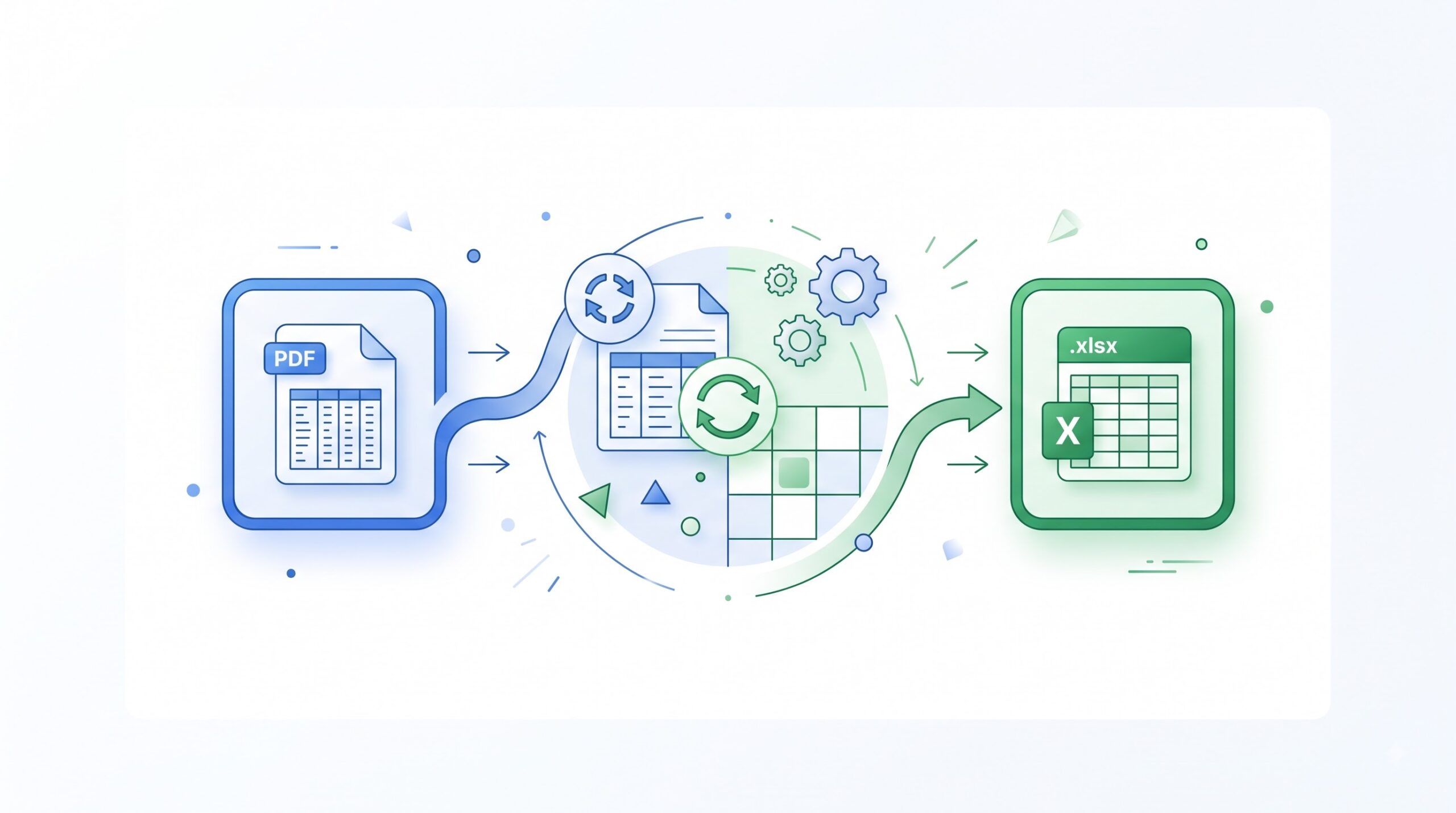
Turn PDF tables into an editable Excel workbook you can sort, filter, and calculate with.
- Free to use
- No account
- Nothing to install
- No watermark
Need a different job done with a PDF?
Browse all free toolsHow do I convert a PDF to Excel?
Upload your PDF, click convert, and download an Excel workbook. Tables become rows and columns you can sort and recalculate in your spreadsheet app.
How to Convert PDF to Excel
Three short steps from upload to download.
-
Upload your PDF
Click Select PDF files or drag and drop your PDF into the upload box.
-
Click convert
The converter rebuilds your tables as editable spreadsheet cells.
-
Download the Excel file
Save the XLSX or XLS workbook to your device and open it in any spreadsheet app.
What this tool does
It rebuilds PDF tables and figures as spreadsheet cells.
Tables that behave like tables
Rows and columns become real cells, so sorting works and totals recalculate.
Ready for any spreadsheet app
You get an editable XLSX file that opens in Excel, Google Sheets, and LibreOffice.
Formats and file limits
| Spec | Details | Good to know |
|---|---|---|
| Input | PDF documents | Multiple PDFs convert in one batch |
| Output | Excel spreadsheets (XLSX, XLS) | Opens in Excel and Google Sheets |
| File size | Files up to 50 MB are accepted | Covers most reports and statements |
Who converts PDF to Excel?
-
Finance and accounting teams
Pull figures from bank statements and reports into models without retyping.
-
Analysts and auditors
Turn locked PDF exports into data you can pivot, chart, and check.
-
Students and researchers
Move tables from papers into a spreadsheet for fresh analysis.
-
Admin and operations staff
Rebuild invoices, inventories, and schedules without copying rows by hand.
Limits and troubleshooting
Good to know before you convert
- Scanned PDFs. The tool attempts to read scanned text; clear scans give cleaner sheets.
- Complex layouts. Merged cells and nested tables may need cleanup.
- Protected files. Password-locked PDFs must be unlocked first.
- Numbers stored as text. Your spreadsheet app can turn them back into numbers.
- Very long files. Big, image-heavy documents take more time; convert in smaller batches.
Common problems and fixes
| Problem | Likely cause | What to try |
|---|---|---|
| Columns land in the wrong cells | Unusual spacing can split the table into blocks. | Convert one page at a time so the table stands alone. |
| Totals do not calculate | A PDF stores numbers as text, not live formulas. | Format cells as numbers and rebuild formulas in Excel. |
| The Excel file will not open | The source PDF may be damaged. | Open the PDF alone and replace it if it fails. |
| It is slow or the tab freezes | Long, image-heavy files take time and memory. | Close other tabs, or convert in smaller batches. |
How Your Files Are Handled
- No account, no email. You can use the tools without signing up.
- The connection is encrypted. PDFZora uses HTTPS.
- PDFZora does not sell, rent, or trade personal data. Data may still be shared with the companies that help run the site, or disclosed where the law requires it.
- Processing is largely automated. Access to file content is limited to what is needed to run, maintain, secure, or support the service, or to meet a legal obligation.
Processing method can vary by tool. Some operations may run in the browser, while others may require temporary server-side processing. Retention periods depend on the method used. For the latest information about temporary file storage and deletion, see PDFZora's Data Privacy & Security page.
Frequently Asked Questions
Yes. Convert PDFs to Excel without paying, signing up, or installing anything. Your download has no watermark.
Yes. The tool attempts to recognize the text and structure of scanned PDFs and convert it into editable Excel data. Clear scans give cleaner results.
The converter rebuilds rows, columns, and layout, but a PDF stores no spreadsheet formatting, so fonts and merged cells may look different.
The connection is encrypted, processing is largely automated, and the privacy section above explains how files are handled.
Convert your PDF to Excel
Turn the next PDF table into a working spreadsheet. The full PDFZora toolkit is free too.
Browse all free tools