
The Ultimate PDF Toolkit: 45 Free PDF & Productivity Tasks
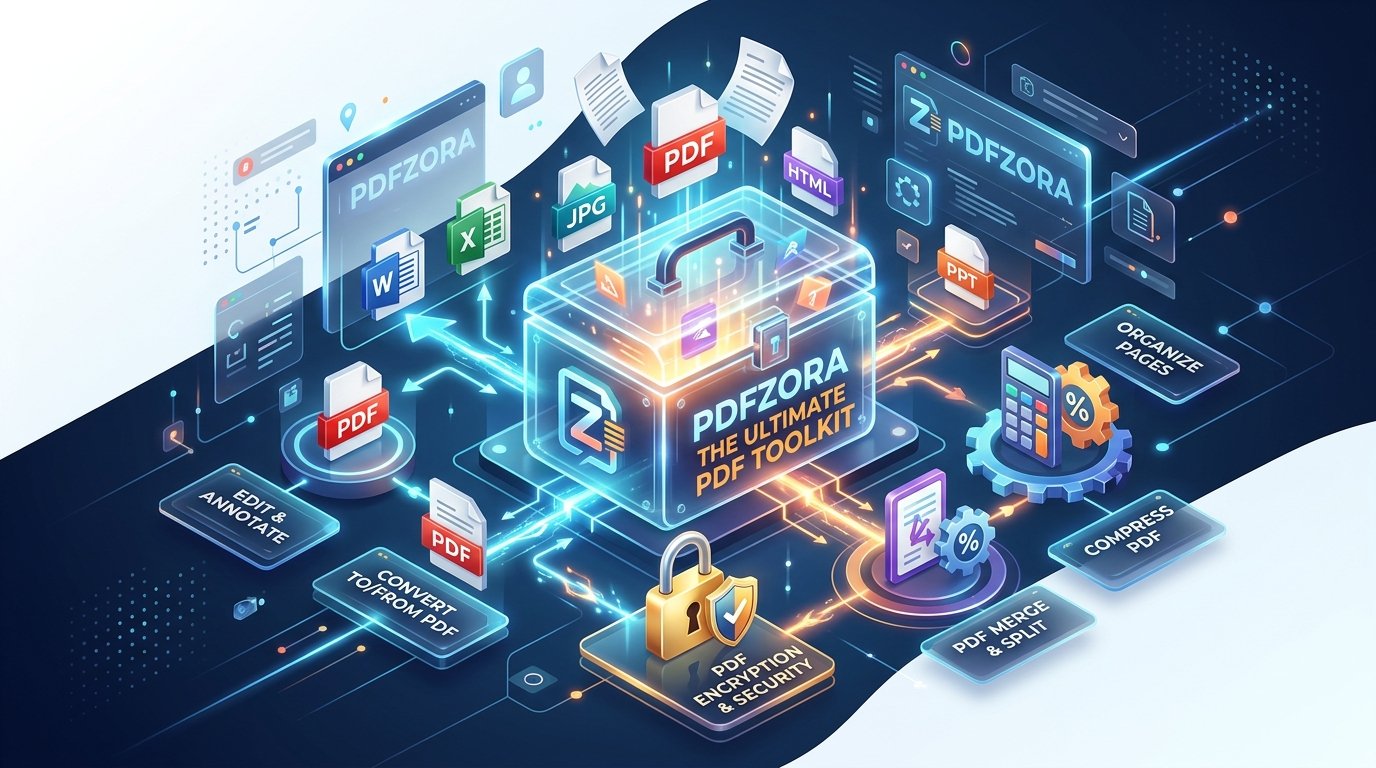
"Your complete guide to 45 free PDF and productivity tasks — everything you need to work smarter."
45 Free PDF & Productivity Tasks — One Browser Tab
You merged two PDFs on Monday, fought a scanned contract on Wednesday, and watched a 40 MB proposal bounce off an email server on Friday. Sound familiar? Most people juggle half a dozen websites and a paid desktop app just to finish small document jobs.
The short answer: PDFZora puts 45 free PDF and productivity tasks (31 PDF tools plus 14 everyday utilities) into one browser-based toolkit with no signup, no watermarks, and nothing to install. Below you'll find the tools you'll use most, a three-step workflow for any job, and practical tips you can apply today.
🛡️ Why You Can Trust This Guide
- Every tool named in this guide is live on pdfzora.com and free to use
- No accounts, no watermarks, no daily task limits
- Files travel over 256-bit SSL and are auto-deleted from servers within 60 minutes
- Works in any modern browser: Windows, macOS, iOS, and Android
"We built PDFZora out of personal frustration with bloated desktop software, forced monthly subscriptions, and privacy-invasive signups. Our goal is simple: a fast, 100% free web document suite anyone can use in seconds." — The PDFZora Team
Why Everyday PDF Work Eats Your Day
Individually, those jobs take minutes. Together, they quietly eat your week: hunt for a free converter, hit a paywall at the last step, register an account, discover the watermark on page one — then repeat tomorrow. Every switch between tools costs focus, not just time.
The usual alternatives aren't much better. Desktop suites ask for heavyweight installs and yearly licenses for features you touch twice a month. Email systems add their own ceilings — Gmail, for example, caps attachments at 25 MB for personal accounts, a limit a single scanned presentation can break on its own.
The real problem isn't capability. It's that document tasks are scattered across a dozen tools, each with its own price, account, and quirks. The fix is consolidation: one place that handles the whole list — free.
Start Here: The 12 Most-Used Tools
The complete toolkit holds 45 tasks, but most weeks twelve of them do the heavy lifting. These are the tools the PDFZora homepage highlights as most popular. All of them are free, with no signup and no watermarks:
Need Something Else? Browse by Category
Beyond these favorites, the toolkit covers every direction: convert to and from PDF, optimize and repair, full editing, signing and security, plus everyday utilities such as calculators, generators, a word counter, a unit converter, and a screen recorder.
Prefer to browse everything in one place? Head to pdfzora.com: every converter, editor, calculator, and generator is there, free to use.
Explore All 45 Free ToolsWorth knowing: PDF to PDF/A converts documents into an ISO-standardized archival version of PDF, designed so files render the same way decades from now. Universities, courts, and archives often require it for long-term records; the PDF Association publishes solid guidance if you're new to it.
How to Get Any Task Done in 3 Steps
Every tool follows the same three-step flow: if you can drag a file, you can use PDFZora.
Pick Your Task
Pick the tool that matches your job: merge, convert, compress, sign, protect, or calculate.
Upload or Enter Your Input
Drag and drop your file or type your values directly in the browser. No account, no credit card, no download.
Download the Result
Grab your finished document immediately, with zero watermarks and zero usage limits.
That's it: no install wizard, no subscription to cancel later. Most tasks finish in under a minute.
How It Compares to the Usual Options
Is a free browser toolkit really enough? For most everyday tasks, yes. Here's an honest side-by-side, including where desktop software still makes sense.
| What Matters | PDFZora | Typical Online Converters | Desktop Suites |
|---|---|---|---|
| Cost | $0 — free, no upsells | Freemium — free tiers with limits, paid plans to unlock more | One-time purchase or annual license |
| Account Required | None — open the page and go | Often required, or needed after a few tasks | License key and activation |
| Watermarks | Never | Common on free tiers | Not applicable |
| Devices | Any device with a browser | Browser only, often desktop-focused | Single OS; large installation |
| File Handling | 256-bit SSL transfer; auto-deleted within 60 minutes | Varies by provider | Stays on your machine |
| Toolkit Size | 45 PDF + productivity tools in one place | Usually PDF only | PDF only |
If you redact 500-page discovery files every day, keep your desktop license. For everything else (the merges, conversions, and quick fixes that fill a normal week), a browser toolkit starts faster and costs nothing.
Real Workflows, Real Time Saved
Here's how three groups put the toolkit to work in a typical week:
🎓 Students & Researchers
Merge lecture notes with slides, compress a thesis under the university upload limit, and turn readings into editable text for notes. The Word Counter keeps essays inside the word budget.
Tools for the job: Merge PDF · Compress PDF · PDF to Word · Word Counter
💼 Office Professionals
Combine signed contract pages into one file, password-protect HR documents before sharing, add page numbers to reports, and redact sensitive details from records going external.
Tools for the job: Protect PDF · Add Page Numbers · Redact PDF · Compare PDF
🧾 Freelancers & Small Businesses
Send clean PDF quotes instead of editable files, sign client agreements digitally, watermark draft designs, and drop a QR code onto an invoice that links straight to your payment page.
Tools for the job: Word to PDF · Sign PDF · Watermark PDF · QR Generator
5 Bonus Tips to Work Faster
Small habits compound. These five save the most time:
- Compress before you email. A 40 MB presentation often shrinks below the 25 MB attachment ceiling in seconds. We walk through the exact steps in how to compress a PDF without losing quality.
- Redact — don't highlight. Drawing a black box over text in a word processor doesn't remove it; anyone can copy what's underneath. A proper redaction tool deletes the content for good.
- Use long, memorable passwords. Current NIST digital identity guidance favors long passphrases over short, complex ones. Pair Protect PDF with the free Password Generator to lock documents in one step.
- Archive important records as PDF/A. Contracts, theses, and legal filings you must keep for years belong in the archival profile: convert once, and it should open the same way in 2050.
- Keep shared documents accessible. If you publish menus, forms, or reports online, accessibility guidance like the W3C's WCAG recommends real text over scanned images. Running scans through OCR keeps documents readable for screen readers — and searchable for you.
Frequently Asked Questions
Quick answers to the most common questions:
Yes. All 45 tools are completely free: no signup, no watermarks, no daily task limits, and no hidden fees.
No. Every tool runs in your web browser and works on Windows, macOS, iOS, and Android — nothing to download or install.
Most tools support files up to 50 MB per document, which covers typical letters, reports, presentations, and scans.
Files are transferred over 256-bit SSL encryption and automatically deleted from the servers within 60 minutes of processing.
Yes. The OCR PDF tool turns scanned documents and image-based PDFs into searchable, selectable, editable text in seconds.
Yes. PDFZora is fully responsive, so all 45 tools work on phones and tablets as well as desktop browsers.
Ready to Replace a Dozen Tools with One?
All 45 PDF and productivity tasks are waiting — free, watermark-free, and two clicks away. No account. No install. No catch.
Final Thoughts — Your Complete Toolkit Awaits
You don't need a dozen bookmarks, a subscription, or a heavyweight install for everyday document work. Bookmark the toolkit once, and the next merge or conversion is a 30-second job. Try one task today — all 45 tools are at www.pdfzora.com.
Disclaimer
All 45 PDFZora tools are free — no signup, no watermarks. Files are transferred over 256-bit SSL and automatically deleted from servers within 60 minutes. Third-party names like Word, Excel, and Adobe Acrobat belong to their respective owners.
Pingback: 7 Common PDF Mistakes: You're Probably Using PDFs the Wrong Way—Here's the Better Method