
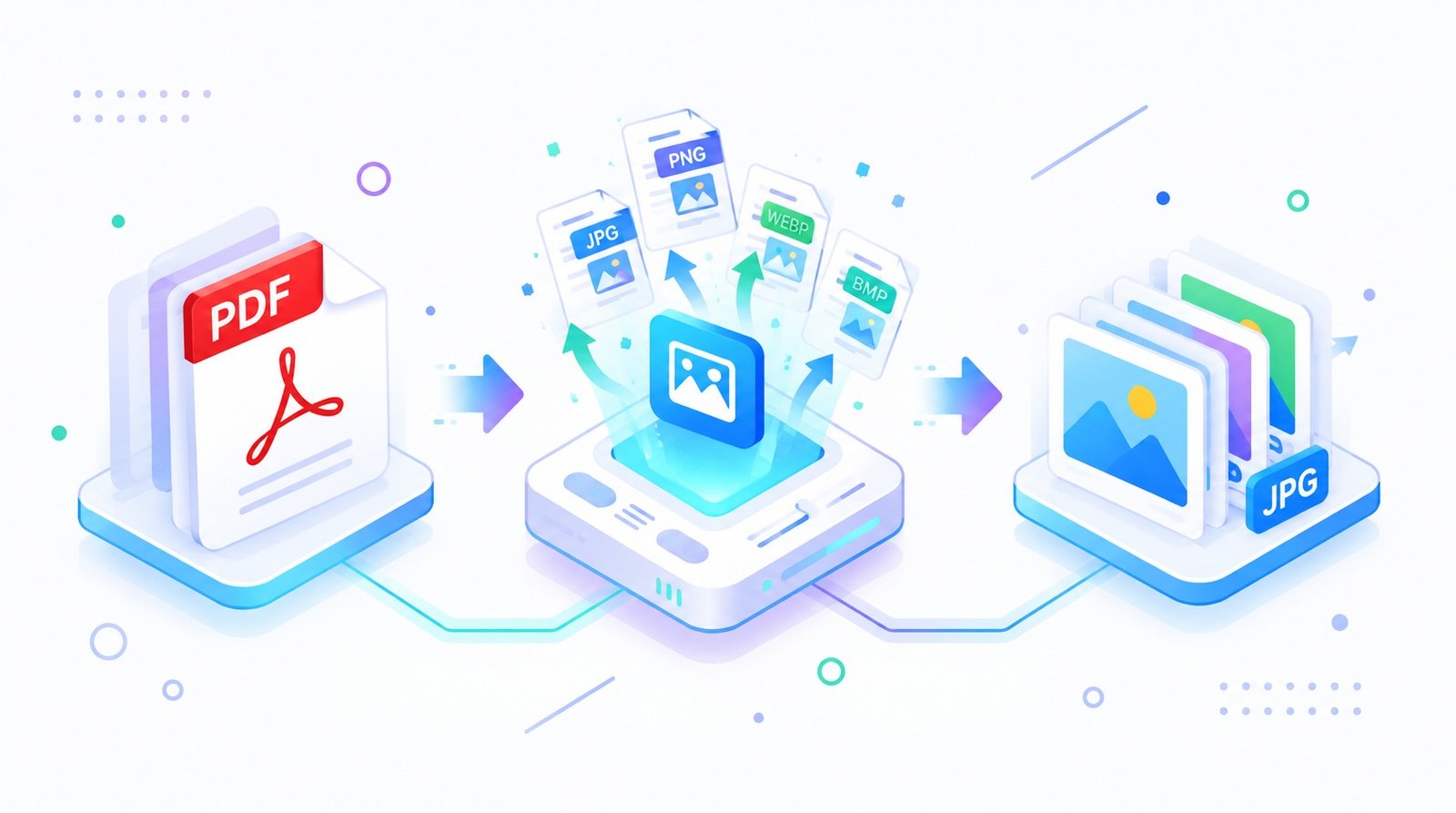
PDF to Image Converter
Use this PDF to Image converter to turn PDF pages into JPG, PNG, or another available image format, then download the files.
- Free to use
- No account
- Nothing to install
- No watermark
Need a different job done with a PDF?
Browse all free toolsHow the PDF to Image converter works
Upload a PDF to this PDF to Image converter, select an available format such as JPG or PNG, convert, and download. Pages become separate images for sharing or use in slides and projects.
How to convert PDF to image online
Turn selected PDF pages into downloadable images.
-
Choose your PDF
Select a PDF from your device that you have permission to use.
-
Select an image format
Choose an available format, such as JPG or PNG, for your intended use.
-
Start conversion
Allow processing to finish. Image-heavy PDFs may take longer.
-
Download and review
Save the images; check page order and readability.
What happens when you convert a PDF to images?
PDF pages are rendered as separate image files.
Pages become individual images
Text, graphics, and layout become a visual snapshot. Recipients can view a page without opening a PDF reader.
Choose a format for your task
JPG is common for photos; PNG works well for text and diagrams. See MDN’s overview of web image formats for more detail. Available options depend on the converter.
A few choices to consider
| Setting | What it does | Good to know |
|---|---|---|
| Output format | Sets the file type for each page. | Choose one supported by your destination. |
| Page selection | Sets which pages are exported. | Review the selection before converting. |
| Image dimensions | Pages become pixels, not scalable PDF pages. | Check small text at display size. |
When is PDF to image conversion useful?
Slides and presentations
Add a page or chart to a slide.
Social sharing
Post a page preview where images are accepted.
Project and design work
Add a reference page to a design.
Quick previews
View pages in an image viewer.
Things to know before converting
Image output has trade-offs
- Text is no longer editable. Pages become pictures without selectable text.
- Images can use more space. High-resolution images may be larger than the source PDF.
- Small text may be harder to read. Review fine print, tables, and dense details.
- JPG and PNG behave differently. JPG suits photos; PNG can suit text and graphics.
- Sensitive files need care. Review privacy details before uploading sensitive files.
Troubleshooting common conversion issues
| Problem | Likely cause | What to try |
|---|---|---|
| The image looks blurry | The display may exceed image dimensions. | Try higher resolution if available. |
| A page or graphic looks different | Fonts or complex elements may render differently. | Compare with the PDF; try another format if offered. |
| The download is larger than expected | Image files can take more space than the PDF page. | Try JPG if suitable, or reduce image dimensions when an option is available. |
| Conversion takes longer than expected | Long PDFs and complex, image-heavy pages need more processing. | Wait for completion, or try a smaller selection of pages. |
How Your Files Are Handled
- No account, no email. You can use the tools without signing up.
- The connection is encrypted. PDFZora uses HTTPS.
- PDFZora does not sell, rent, or trade personal data. Data may still be shared with the companies that help run the site, or disclosed where the law requires it.
- Processing is largely automated. Access to file content is limited to what is needed to run, maintain, secure, or support the service, or to meet a legal obligation.
Processing method can vary by tool. Some operations may run in the browser, while others may require temporary server-side processing. Retention periods depend on the method used. For the latest information about temporary file storage and deletion, see PDFZora's Data Privacy & Security page.
Frequently Asked Questions
The tool converts selected pages. Check the selected page range before downloading.
JPG and PNG may be available. Check the format selector.
No. Keep the PDF if you need searchable or editable text.
Yes, through a mobile browser. Upload and download can vary by device and file size.
Small text may need a higher-resolution setting. Review the result before sharing.
Use the PDF to Image converter
Choose your PDF and output format, then review the downloaded images before using them.
Browse all free tools