
JPG to PDF Converter – Turn Images into PDF Online
Convert JPG and JPEG images to PDF in your browser. Combine multiple images into one PDF, keep the layout clean, and download your file without signing up.
- Free to use
- No account
- Nothing to install
- No watermark
Need a different job done with a PDF?
Browse all free toolsQuick Answer: How do I convert JPG to PDF?
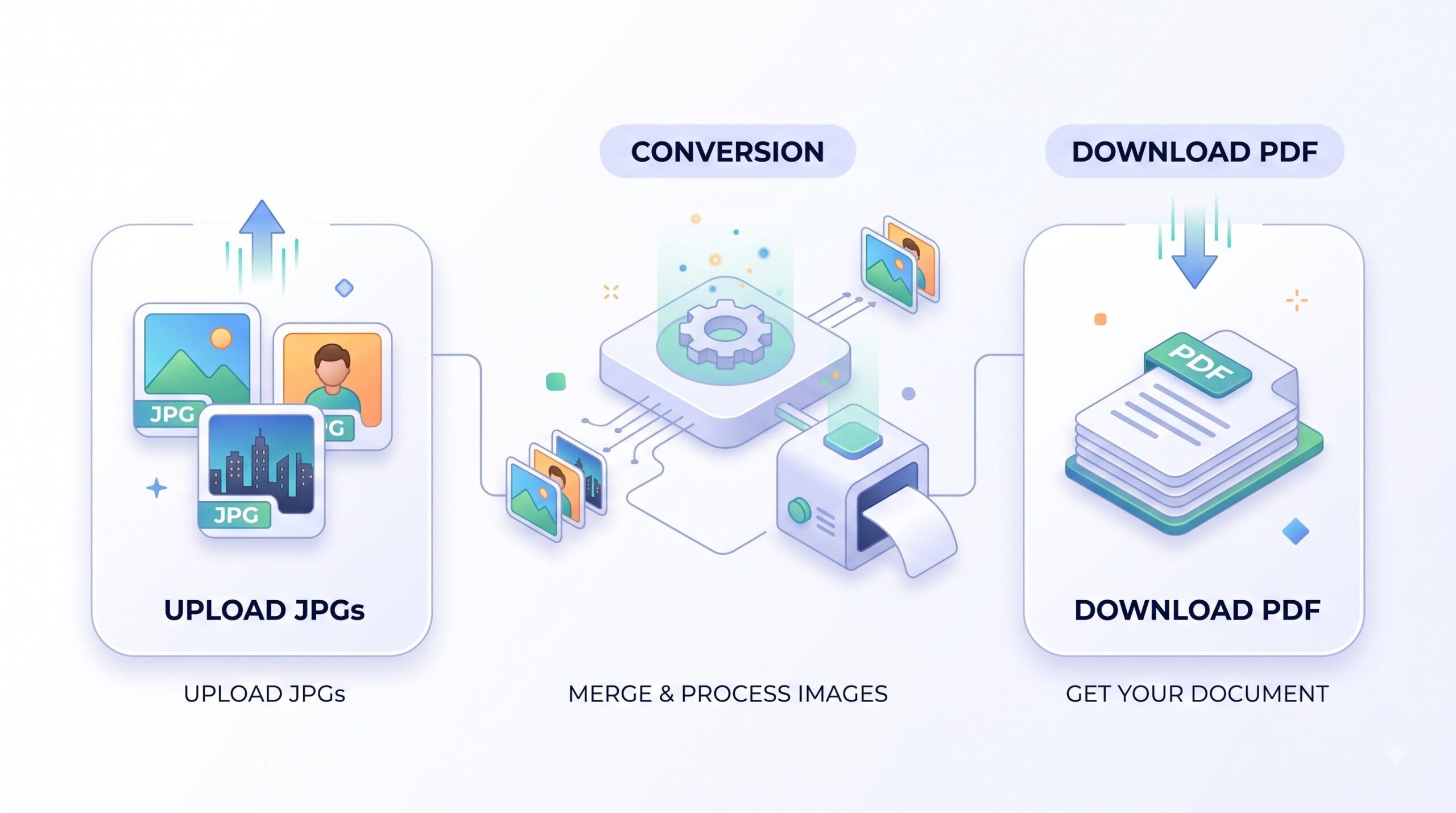
Upload your JPG or JPEG files to the converter, arrange them in the order you want, and click convert. PDFZora creates a PDF with one image per page and lets you download the result. It works in your browser and does not require installation.
How to Convert JPG to PDF Online
Three simple steps to create a PDF from your images.
-
Upload your JPG images
Select JPG or JPEG files from your device or drag and drop them in. You can add multiple images and reorder them.
-
Adjust and convert
Check the order and orientation. The tool places each image on its own page and prepares the PDF for download.
-
Download your PDF
Click download to save your new PDF. Open it on any device to review, share, or print.
What JPG to PDF Does
A straightforward way to turn photos and scans into a portable document format.
Keeps images organized in one file
Instead of sharing many separate files, the tool places each JPG on its own page in one PDF, making it easier to send, archive, and print.
Works in your browser
No software to install. Open PDFZora on desktop or mobile, upload your images, and convert with clear controls.
Settings at a glance
| Setting | What it does | Good to know |
|---|---|---|
| Page size | Fits the image to a standard PDF page | Keeps the aspect ratio so images do not stretch |
| Image order | You control the sequence | Drag to reorder before converting |
| Orientation | Uses the image's orientation | Rotate images before upload if needed |
Common Ways to Use JPG to PDF
-
Submit homework and assignments
Students can turn photos of handwritten notes or diagrams into a single PDF for easy upload to learning platforms.
-
Compile receipts and invoices
Create a clean PDF from photos of receipts for expense reports, tax records, or client billing.
-
Share photo sets
Combine event photos or scanned family pictures into one document that is easy to send and view on any device.
-
Archive scanned documents
Turn scans of letters, certificates, or contracts into PDF for long-term storage with consistent formatting.
Limitations and Important Notes
Things to keep in mind
- Format support: This tool is built for JPG and JPEG input. For PNG, WEBP, or other image types, use a dedicated image-to-PDF tool.
- Text is not searchable: The PDF contains your images as they are. It does not run OCR, so text inside the images will not be selectable.
- Quality depends on source: The PDF reflects the resolution of your original JPGs. Low-resolution photos will remain low-resolution in the PDF.
- Manual checks help: Preview the file list before converting to confirm order and that you have included all images you need.
- Browser processing: Large batches of high-resolution images may take longer and use more memory. Close unused tabs for smoother performance.
If Something Does Not Work
| Problem | Likely cause | What to try |
|---|---|---|
| Images upload but conversion stalls | The files may be very large or the connection interrupted | Refresh the page, try with fewer images, or check your internet connection |
| PDF pages look rotated | The original JPG orientation metadata is inconsistent | Rotate the JPG on your device before uploading and convert again |
| The PDF file is larger than expected | Each JPG is embedded at its original resolution, so large photos create a large PDF. | Try compressing the PDF after conversion or use smaller JPGs. |
| The PDF will not open | One of the source JPGs may be damaged or incomplete. | Open each JPG on its own and replace the one that fails to load. |
How Your Files Are Handled
- No account, no email. You can use the tools without signing up.
- The connection is encrypted. PDFZora uses HTTPS.
- PDFZora does not sell, rent, or trade personal data. Data may still be shared with the companies that help run the site, or disclosed where the law requires it.
- Processing is largely automated. Access to file content is limited to what is needed to run, maintain, secure, or support the service, or to meet a legal obligation.
Processing method can vary by tool. Some operations may run in the browser, while others may require temporary server-side processing. Retention periods depend on the method used. For the latest information about temporary file storage and deletion, see PDFZora's Data Privacy & Security page.
Frequently Asked Questions
Yes, you can convert JPG to PDF on PDFZora without paying or creating an account. Open the tool, upload your images, and download your PDF.
No installation is needed. The converter runs in your browser on desktop and mobile, so you can use it from any modern browser.
Yes, you can select multiple JPG or JPEG files at once. The tool arranges them in order and creates a single PDF with one image per page.
The PDF uses your original JPG data and keeps the aspect ratio. The final appearance depends on the resolution of the images you upload.
Yes, the tool works on phones and tablets as well as computers. It supports common browsers like Chrome, Safari, Firefox, and Edge.
Ready to turn your images into PDF?
Convert your JPG files to PDF online with PDFZora. Free to use, no account needed, and works on any modern browser.
Browse all free tools