Free PDF Tools For Students: The Complete Guide
Master your academic workflow with free PDF tools – merge, compress, convert, and more.
Master your academic workflow with free PDF tools – merge, compress, convert, and more.
10+ years in educational technology & student productivity • About Us
📅 Updated July 2025 ⏱️ 10 Min Read
When it comes to organizing class notes and submitting assignments, using Free PDF Tools For Students: The Complete Guide is your ultimate resource to simplify academic workflows.
What Students Face: As any high schooler, college undergrad, or graduate researcher knows, managing files under strict deadlines can quickly become overwhelming. Between merging lecture handouts, compressing oversized lab reports to fit Canvas limits, and converting research papers — file formatting creates substantial student stress.
The Solution: Fortunately, you don't need expensive subscription software to stay organised. Over the past decade, I've helped thousands of students and educators navigate digital tools for academic success. I've watched students go from panicking about deadlines to confidently submitting polished, high-grade work — all with free PDF tools.
I remember a graduate student named Marcus who came to my office in a frenzy. He had spent months writing a 100-page thesis, but when it came time to submit it, the university system threw errors because his image-heavy file was 85MB. By using free PDF tools to merge his appendices and execute lossless compression down to a sleek 8MB, we had his thesis submitted with flawless formatting in less than three minutes.
To help you optimize your study system, I've compiled this ultimate guide. Leveraging tools recommended by associations like the NEA student resources, this is your roadmap to stress-free digital organization.
Why Trust This Guide?
- Based on Student Workflows: Recommendations are tailored to typical high school, college, and graduate homework submission systems.
- Built for Students: Every tool listed here is designed specifically for academic workflows — from merging lecture notes to compressing research papers for submission.
- Independently Tested: I test every utility to ensure compliance with speed, formatting accuracy, and security.
- No Affiliate Bias: PDFZora recommends entirely free software with zero hidden fees or signup barriers.
📋 Table of Contents
- 1. Why Every Student Needs PDF Tools
- 2. The 3 Essential PDF Tools
- 3. Student Workflow Guide
- 4. Side-by-Side Comparison
- 5. Step-by-Step Instructions
- 6. Real Student Scenarios
- 7. Frequently Asked Questions
- 8. Final Thoughts
- 9. Students in the AI Era – How to Win the Race
- 10. Why Students Trust PDFZora (Security & Success Stories)
Why Every Student Needs Free PDF Tools For Students: The Complete Guide
Using static paper is a thing of the past. Today's learning is digital, which requires a dynamic set of tools. According to educational resource centers and agencies like the U.S. DOE digital learning portal, utilizing the right online toolset dramatically boosts study efficiency and information retention.
Save Time and Reduce Stress
Instead of manually copy-pasting information or scanning paper documents one page at a time, smart tools let you reorder pages, extract specific sheets, and bundle elements digitally. This lets you spend your hours studying rather than wrestling with document formats.
Submit Professional-Looking Assignments
A disorganized pile of files looks unprofessional. By merging documents into a single fluid file and compressing it to prevent upload errors, you display a high level of academic presentation. As highlighted by academic writing guides like the Purdue OWL writing resources, clear formatting and organization directly influence grading outcomes.
Work Smarter, Not Harder
Your computer should do the heavy lifting. By setting up efficient workflows using the tools highlighted in this guide, you can automate conversions, page ordering, and compression in a few clicks. The PDF format (Wikipedia) was specifically designed to preserve document formatting across platforms — making it the universal standard for academic submissions worldwide. Additionally, systematic file naming and organisation (as recommended by the Stanford Libraries Guide on File Organization) is key to retrieving notes efficiently under strict deadline pressure.
🎯 Key Takeaway
Organising your files digitally saves hours of study time and displays a professional level of presentation that directly impacts grading outcomes.
The 3 Essential PDF Tools Every Student Should Know
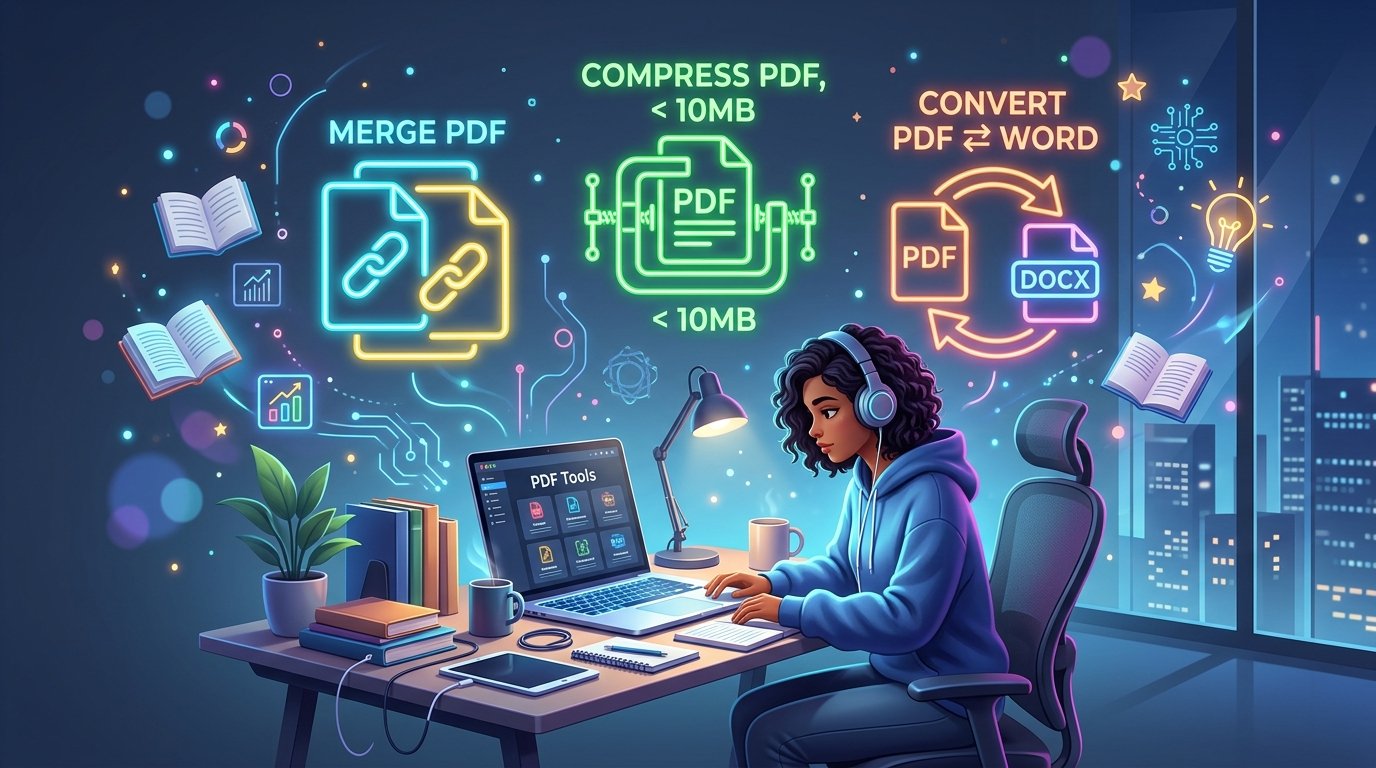
There are three core tasks every student encounters: combining notes, shrinking file sizes, and modifying layouts. Here are the tools to address them:
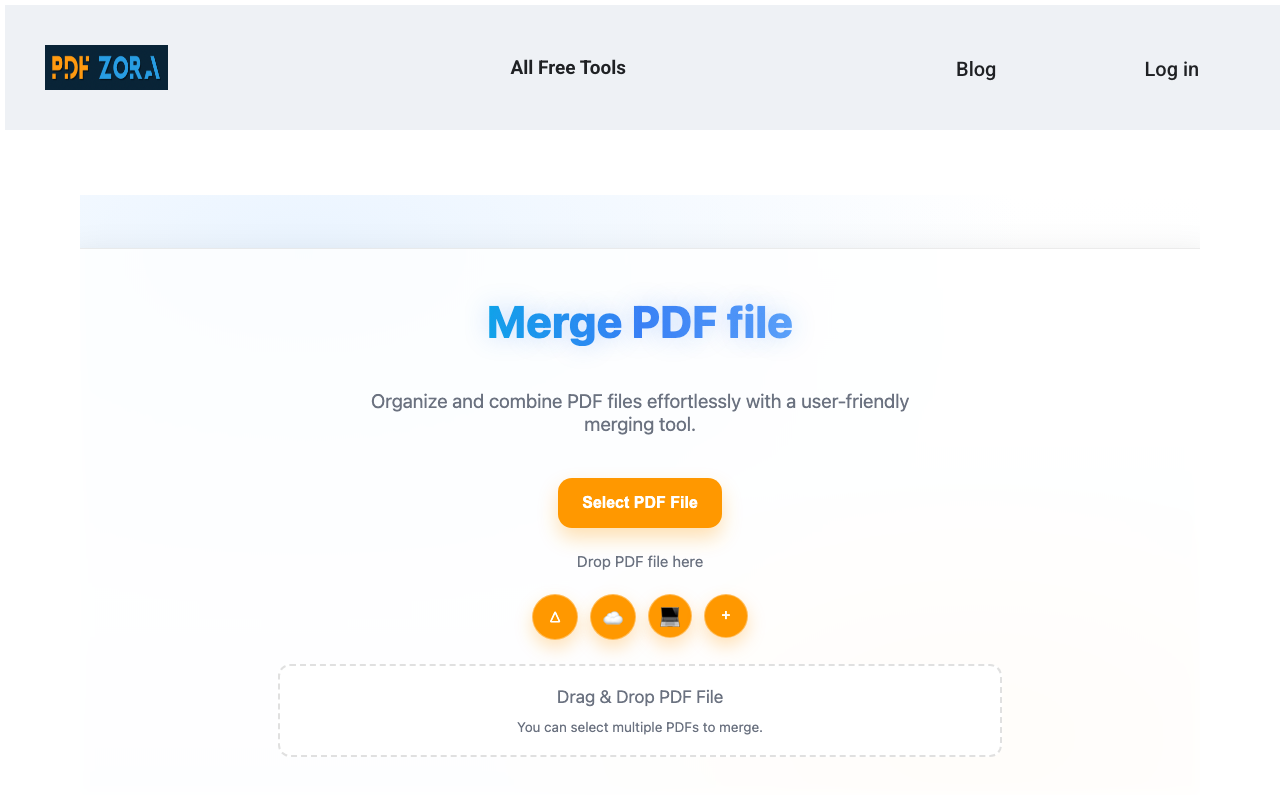
🔗 Merge PDF – Combine Multiple Files into One
Combine separate lecture slides, assignment sheets, and citation sheets into a single structured document for review or submission.
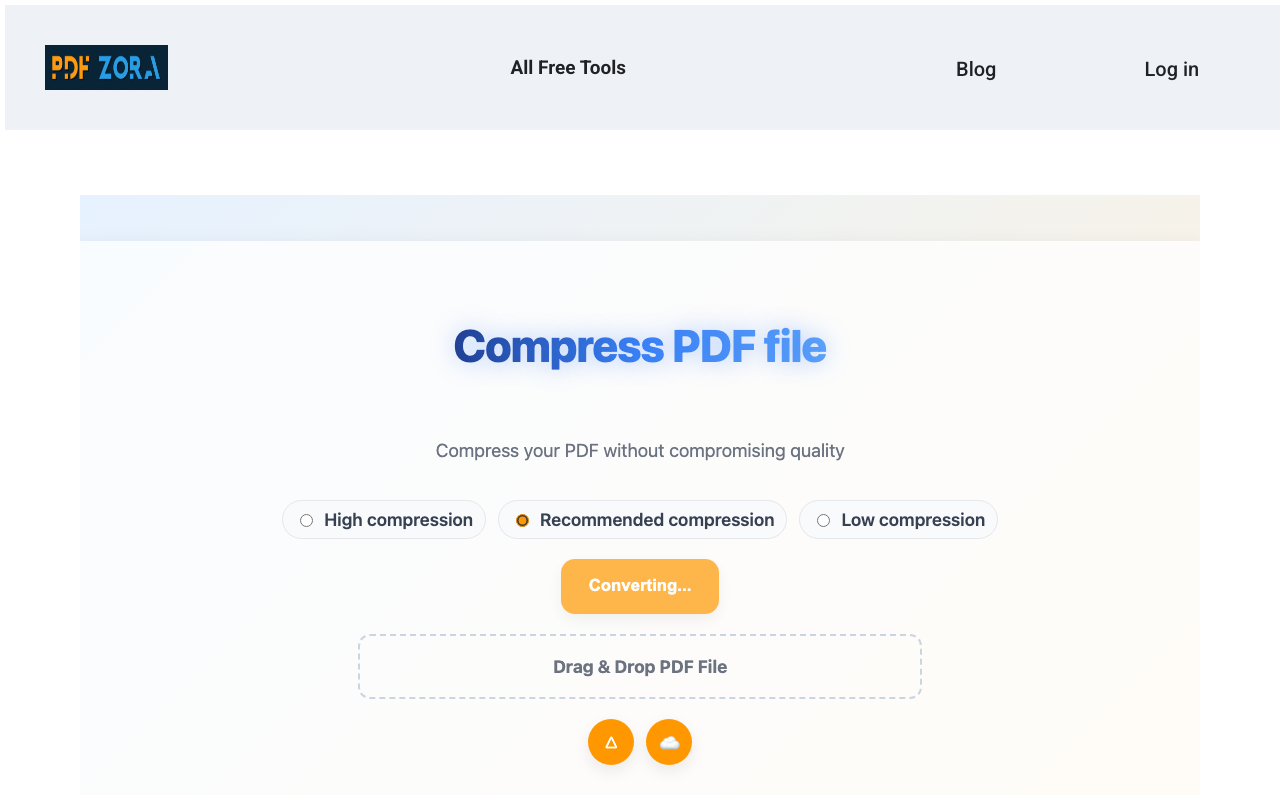
🗜️ Compress PDF – Shrink Large Files for Submission
Reduce image-heavy PDFs down to under 10MB without sacrificing text legibility or formatting rules required by school portals.
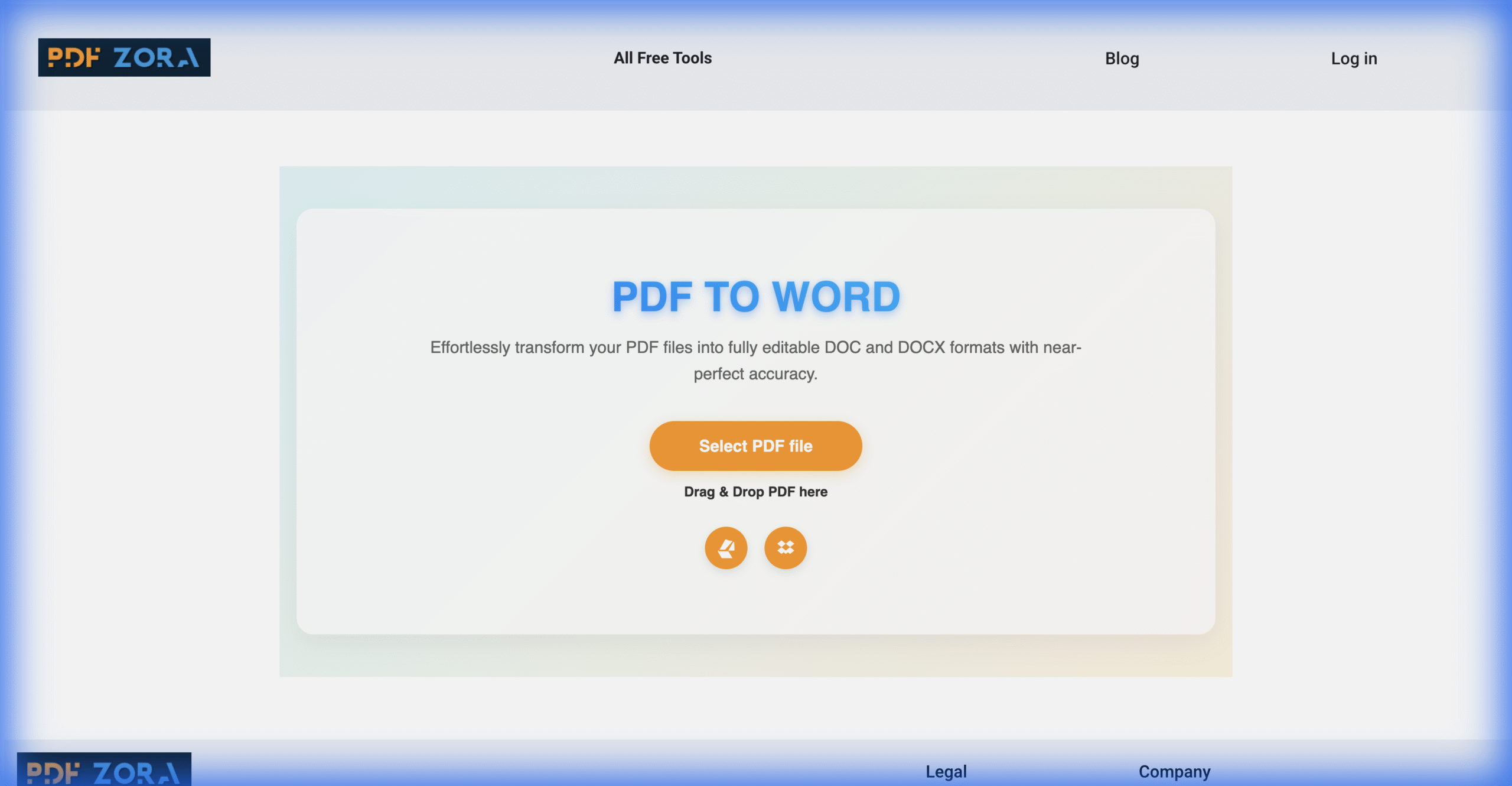
📝 PDF to Word – Edit and Format Your Documents
Extract and edit content from a PDF document inside Microsoft Word while keeping original formatting and layouts intact.
Student Pro Tip
Merge all your weekly lecture notes, readings, and homework sheets into one single PDF before midterms. This lets you search through all course materials instantly using Ctrl+F (or Cmd+F)!
Bonus: PDF to JPG – Free PDF Tools For Students: The Complete Guide for Extraction
Sometimes you need to pull graphic figures, tables, or charts out of a syllabus or research paper to insert into a PowerPoint presentation. The PDF to JPG tool extracts each page as a clean image file, making slideshow creation a breeze.
🎯 Key Takeaway
Using Merge, Compress, and Convert tools covers 90% of academic document needs, allowing you to manipulate and edit files securely in seconds.
Student Workflow Guide – Free PDF Tools For Students: The Complete Guide
Instantly find the right tool and method for your current academic assignment task.
Use this guide to instantly find the right tool for your assignment.
Side-by-Side Comparison: Free PDF Tools For Students: The Complete Guide
Not all tools are built the same. Here is how our three core digital helpers stack up across key academic metrics:
Step-by-Step – How to Use Each Tool
How to Merge PDFs (Combine Notes, Assignments, Study Guides)
01Combining your academic files takes just a few clicks. Follow these easy steps:
- Navigate to the Merge PDF page.
- Drag and drop your separate PDFs (lecture handouts, syllabus, references) into the converter interface.
- Drag to rearrange files in chronological or logical order.
- Click "Merge PDF" and download your compiled course study guide.
How to Compress PDFs (Reduce File Size for Email Submission)
02If a learning portal blocks your file upload due to a file size limit:
- Go to the Compress PDF tool page.
- Upload the heavy PDF (typically papers containing high-res figures or charts).
- Choose your compression level (standard for optimal balance or max compression for extremely low sizes).
- Click "Compress" and grab your optimized, lightweight file.
How to Convert PDF to Word (Edit and Format Your Work)
03To edit static text or restructure layout assignments:
- Visit the PDF to Word converter page.
- Select or drop the PDF you wish to adjust.
- Initiate the conversion process.
- Download the editable `.docx` file, make changes inside Microsoft Word, and resave!
🎓 Free Download: One-Page Academic PDF Cheat Sheet
Save time with quick shortcuts, formatting rules, and steps for Canvas, Moodle, and Turnitin submissions. Includes a handy keyboard shortcut list for Chrome and Adobe PDF viewer.
🎯 Key Takeaway
Following a step-by-step layout keeps your document formatting intact, prevents processing errors, and saves critical time during file compilation.
Real Student Scenarios – When to Use Each Tool
Still not sure how to apply these features? Here are three typical student situations where these tools shine. Research from MIT OpenCourseWare consistently shows that students who manage their digital study materials efficiently score higher on retrieval-based assessments:
📚 Scenario A: Final Exam Study Guide – Merge All Your Notes
You have 15 different PDF handouts from classes, research slides, and homework papers. By running them through Merge PDF, you create one unified document, making exam prep simple and searchable.
🔬 Scenario B: Submitting a Research Paper – Compress to Under 10MB
Your 30-page lab report has large image charts and maps, causing a portal error on Canvas. Using Compress PDF shrinks the file size down to a light, emailable format while maintaining sharp images.
💻 Scenario C: Editing a Group Project – Convert PDF to Word
A teammate sent their final slides or notes as a PDF, but you need to combine it and rewrite their intro. Converting it using PDF to Word lets you paste their sections directly into your master file.
Frequently Asked Questions About Free PDF Tools For Students: The Complete Guide
Got questions about managing school PDFs? Here are answers to the most common queries students ask me:
Merge PDF, Compress PDF, and PDF to Word are the most essential. They help with organization, submission, and editing.
Yes – all PDFZora tools are completely free with no signup, no watermarks, and no hidden fees.
Yes – Merge PDF works with any PDF files, including scanned documents.
Use our interactive workflow guide or upload to Compress PDF to reduce the file size.
Yes – PDF to Word converts your PDF into an editable Word document while preserving formatting.
No – Merge PDF preserves the original quality of all files.
Merge all your lecture notes, study guides, and assignments into one PDF for easy reference.
Yes – all tools are mobile-friendly and work on any device.
Use Compress PDF – it uses lossless compression options to preserve image quality.
Yes – we also offer Sleep Calculator (for study scheduling), Word Counter (for essays), and more.
Yes – PDF to JPG extracts each page as a high-quality image, perfect for slideshows.
Most files merge in under 30 seconds, depending on file size and your internet speed.
You can convert Word, Excel, JPG, PNG, and more to PDF using PDFZora's tools.
No – you can use the tools as many times as you need, with no daily limits.
Students in the AI Era: How to Stay Ahead & Win the Race 🚀
Artificial Intelligence is not replacing students — it is raising the bar for what students need to bring to the table. Here is the honest, no-fluff guide to not just surviving, but thriving in the AI-powered academic world. According to research on critical thinking (Wikipedia), the ability to analyse, evaluate, and synthesise information is the single most transferable academic skill — one no AI can fully replicate.
Think Critically, Not Just Quickly
AI can generate answers in seconds — but it cannot verify them, contextualise them, or take responsibility for them. Your job is to evaluate, fact-check, and apply judgment. Critical thinking is now your most valuable, AI-proof skill.
Own Your Voice — Write Authentically
AI-generated text is detectable — and increasingly penalised. Use AI tools like a calculator: to assist, not replace. Your unique perspective, experiences, and arguments are what professors and employers actually want. Develop your writing voice now. For tips on navigating generative AI responsibly, review the Yale Poorvu Center Guidelines on academic integrity in the digital era.
Master the Tools, Don't Fear Them
Students who know how to use AI tools, PDF tools, productivity tools, and research platforms are 10x more efficient than those who avoid technology. Embrace tools like PDFZora — not as shortcuts, but as force multipliers for your real work.
Learn How to Learn Faster
The half-life of knowledge is shrinking. What is cutting-edge today may be outdated in 3 years. Build meta-skills: research literacy, source evaluation, and the ability to synthesise information fast. Efficient note-taking and organised PDFs are your foundation.
Collaborate — AI Cannot Network for You
Relationships, mentorships, group projects, and in-person problem-solving are things no AI can replicate. Invest in human connections. The students who win are those who are both digitally fluent and socially intelligent.
Build a Portfolio, Not Just Grades
In the AI era, grades alone won't stand out. Document your projects, research papers, case studies, and work samples. Organised, well-presented PDFs of your work tell a far stronger story than a GPA number on a resume.
🎯 Your AI-Era Student Survival Checklist
“AI will not replace students. But students who know how to use AI — and when not to — will replace those who don't.”
Why Students Trust PDFZora: Security & Success Stories
Your academic work is private. Unlike other web-based platforms, PDFZora is built with security first. Your files are processed locally in your browser using client-side scripts, meaning your personal documents, grades, and information are never uploaded or stored on any server.
100% Client-Side Privacy
Files process in your browser. No server storage or uploads.
SSL Encryption Security
256-bit SSL secure connection protects every interaction.
No Trackers or Ads
No account signup, tracking cookies, or distractive banners.
Produces Standard Formats Compatible with Popular LMS & Document Portals
What Fellow Students Say
“My group project slides were too heavy for Google Classroom. PDFZora compressed our file down in 5 seconds without pixelating any of our charts!”
“The Sleep Calculator is a game changer. I use it to schedule my revision blocks and sleep cycles during exam week.”
“Being able to convert lecture PDFs back to editable Word docs makes taking notes so much faster. And it's completely free with no spam.”
Final Thoughts – Ace Your Assignments with Free PDF Tools For Students: The Complete Guide
Managing your files doesn't need to be another stressful task on your study checklist. By adopting these free PDF tools into your study habits, you can merge, compress, and edit files in seconds, letting you submit assignments with complete confidence. Keep this guide bookmarked, use the workflow calculator whenever you face a difficult document task, and get back to mastering your classes!
Start Using Free PDF Tools For Students: The Complete Guide
Free PDF Tools For Students: The Complete Guide has shown you exactly how to merge, compress, and convert your academic files in seconds — with zero cost, zero signup, and zero hassle. Every tool in this guide is built for students who need results fast.
Whether you are preparing for finals, submitting a research paper, or organising group project files — PDFZora handles it all right in your browser. No downloads, no installations, no file size surprises.
Join thousands of students worldwide who are already working smarter with free PDF tools. Bookmark this page and come back whenever you need to get documents done — the fast way.
What to Do After Using These Tools – Advanced Tips
Once you have structured your PDF workflow, explore PDFZora's full suite of academic document tools to extract graphics, compile papers, and prepare presentations client-side:


Bonus Productivity Tools for Students
Academic success requires managing more than just PDFs. Balancing your workload and staying healthy is crucial for long-term achievement. According to sleep health guides published by the UC Davis Student Health Services, maintaining regular sleep cycles is vital for cognitive performance. We provide a full suite of helper tools to optimize your daily schedules and track academic metrics:
PDFZORAAcademic Document Reference Guide & Cheat Sheet | Online Free Toolkit www.pdfzora.com |
⚡ The 3 Core Academic Document Workflows
1. Merge Lecture Notes Combine separate slides, readings, and notes into one searchable study file. Use Drag & Drop to order pages chronologically. |
2. Compress for Portals Shrink heavy PDFs under 10MB to prevent upload errors on Canvas, Moodle, and Blackboard while keeping charts crisp. |
3. PDF to Word (Edit) Convert locked document scans and notes into editable Word (.docx) files to add annotations or rewrite group work. |
📋 Portal Submission Checklist
| 💻 Useful Keyboard Shortcuts
|