
PDF Security Trends 2026: Encryption, Document Protection & Risks
Security moves fast in 2026, especially for PDFs. Password locks now work alongside invisible tracking layers. Digital seals confirm who signed what, without extra steps. Rules like GDPR and HIPAA shape how data lives inside documents. Hidden checks run each time a file opens. Tools adapt before threats arrive. Protection builds quietly into everyday workflows. Files stay sealed unless every condition passes. Trust grows when safeguards act without being seen. Safety hides in plain sight, built into how things work.
Introduction
One day in 2026, offices still run on PDFs—contracts, bills, legal filings, medical files—they’re everywhere. Even so, hackers grow bolder, rules tighten, and unprotected documents start costing companies more than paper jams ever did. While many reach for free converters, those apps skip strong locks, making private details an open book by accident.
Now imagine your files talking—PDFs whispering secrets only certain eyes should catch. By 2026, locking them down isn’t optional; it’s routine. Think less about stacking features, more about real protection that moves like you do. Rules like GDPR or HIPAA? They’re not hurdles—they shape smarter habits. Surprise: small tools often outshine bulky ones when speed meets safety. Enter one platform built without noise—clean access, tight shields, zero guesswork. It just works, quietly.
PDF Security Importance in 2026
Fresh threats hit files more often these days. Documents like PDFs now draw attacks meant to slip in harmful code or grab sensitive details. Not every file stays safe anymore.
Fines hit hard when rules aren’t followed—GDPR along with HIPAA require tight control over personal information.
Facing big problems at work? Leaked info from open PDF files might spark trust issues, plus fines that hurt the wallet. Danger hides in plain documents.
PDF Security Trends & Encryption Updates
🔒 Password Protection
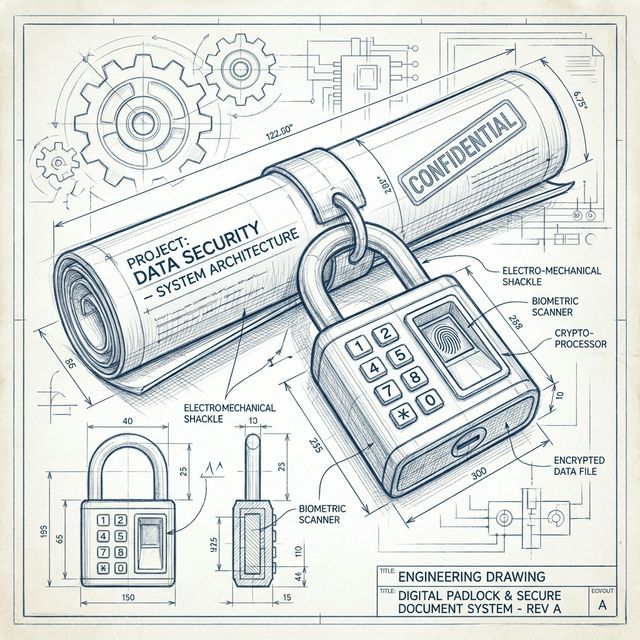
Fresh out of today’s tech demands, strong digital locks such as AES-256 set what’s expected by default. Folders holding private details need a password when sent outside.
Try it now: Password Protect PDF Tool
✍️ Digital Signatures
Agreements hold up in court, recognized by many. Trust comes from consistency, not just rules on paper. Fingerprints etched into code resist meddling. A ledger carved in digital stone stands firm.
Explore: Digital Signatures PDF Tool
👥 Access Control
Who gets access depends on their role in the project. Some people see files. Others change them. Permissions control who does what.
📜 Compliance
Fine-tuned systems handle GDPR and HIPAA needs by tracking every move through clear logs while keeping data locked down safely. Audit paths grow naturally alongside protected storage, built right into how things run.
AI Detects Online Threats
Fresh scans by smart software spot fake or harmful PDF files instantly. These digital checkups catch changes fast during upload moments. Alerts pop when something seems off inside document layers.
Secure PDF Methods
- Start by locking up private documents through encryption prior to sending.
- Use digital signatures for contracts and legal documents.
- Inside locked digital spaces online, files wait behind permission walls.
- Occasionally reviewing procedures helps keep data handling in line with privacy laws.
Comparison Table
| Feature | Legacy Tools | PDFZora |
|---|---|---|
| Password Protection | Basic | AES 256 Encryption |
| Digital Signatures | Limited | Seamless Integration |
| Compliance | Not Guaranteed | GDPR & HIPAA Ready |
| Performance | Bloated | Lightweight |
Frequently Asked Questions (FAQ)
PDF Security Explained 2026?
Advanced encryption, password protection, and digital signatures that safeguard documents against cyber threats.
How to Encrypt a PDF Online?
Use tools like PDFZora to apply AES-256 encryption before sharing files.
Can you add a password for free?
Yes, PDFZora allows locking PDFs with a password at no cost.
Are Digital Signatures Binding?
Yes, in many places they hold up in court when verified through certificates or blockchain.
Strongest Encryption Standard?
AES-256 encryption is the industry standard for resisting brute-force attacks.
Conclusion
Come 2026, skipping PDF protection isn’t an option. As digital dangers grow stronger, companies risk too much by sticking to old software.
📧 reach out at: info@pdfzora.com
 Protect PDF
 Sign PDF
 Unlock PDF