
Redact PDF Online
Review and mark sensitive areas before sharing your PDF. Check the exported file; do not assume automatic detection.
- PDF documents
- Review every page
- Keep the original
- Check the output
Need a different job done with a PDF?
Browse all free toolsHow do I redact a PDF?
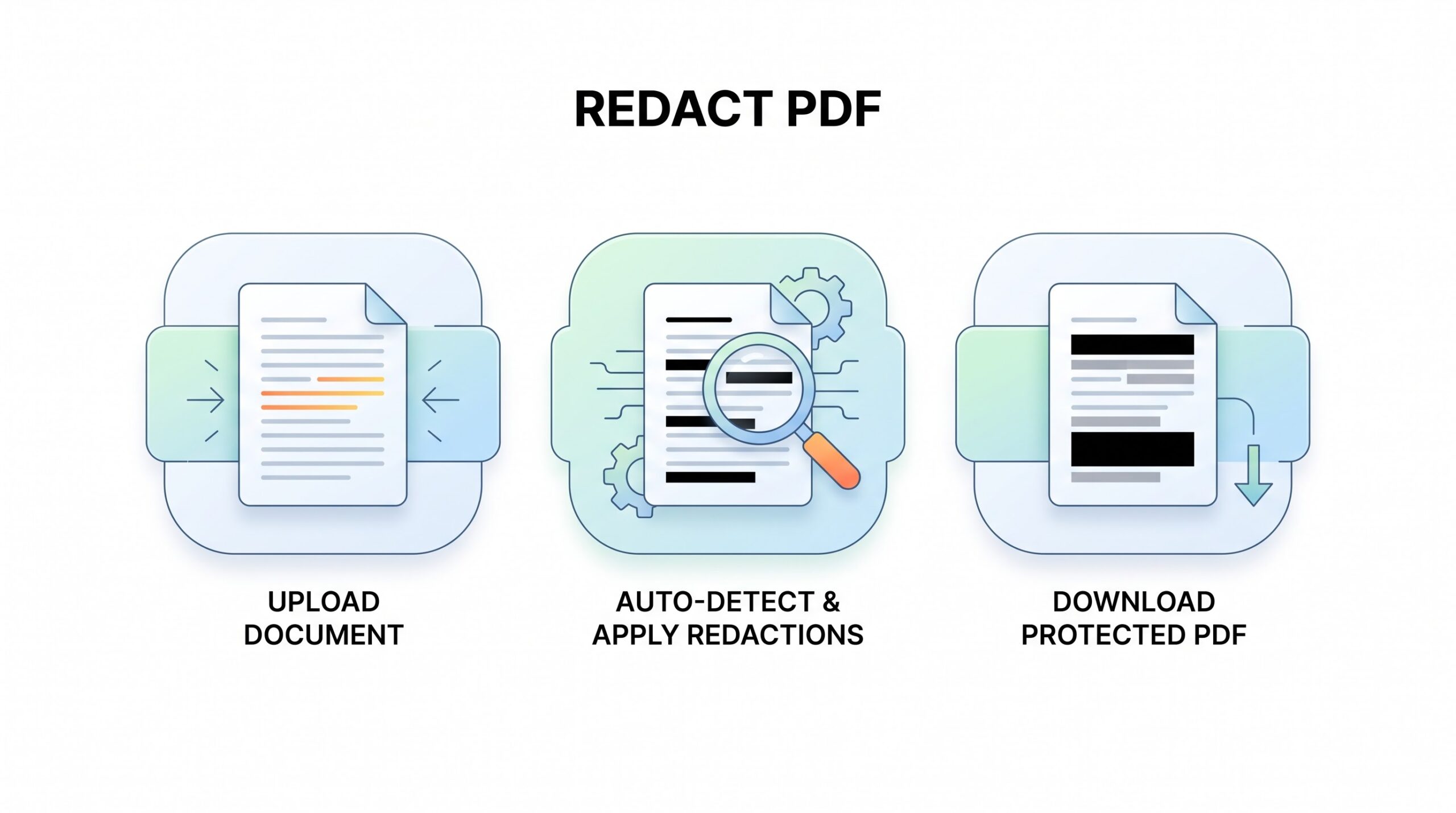
Upload your PDF, mark sensitive areas, apply redactions, and download the result. Search for sensitive terms and try copying text from redacted areas. These checks can reveal problems but do not prove that all hidden data has been removed.
How to Redact PDF Online
Check every page before sharing.
-
Upload your PDF
Choose your PDF using the upload control. Keep an untouched original.
-
Mark sensitive areas
Use the tool’s redaction controls to mark sensitive areas. Review every page and repeated occurrence.
-
Apply and verify
Apply redactions and download the PDF. Open it in another viewer to check its appearance, search results, and copied text.
What Redaction Does
True redaction removes content; highlighting or an overlay may leave it accessible.
Text and images
Mark names, account details, signatures, or image areas that should not appear in your shared copy.
Not just a black box
A drawn shape can leave text underneath. Apply actual redaction, then inspect the exported file.
Before You Share
| Check | What to review | Good to know |
|---|---|---|
| Input | PDF documents | Open the source first. |
| Output | Redacted PDF | Check every marked area. |
| Verification | Search and copy tests | Check in another viewer. |
When to Redact a PDF
-
Legal documents
Remove personal identifiers before circulation.
-
Business reports
Hide confidential client details.
-
Financial records
Remove account numbers before sharing.
-
Personal forms
Hide addresses and phone numbers.
Limitations and Checks
Review the exported copy
- Permanent changes. Keep an untouched original.
- Scanned pages. Check image areas and hidden OCR text.
- Repeated details. Review every occurrence manually.
- Hidden information. Check metadata, comments, and attachments separately.
- Restricted files. Use an authorized, editable copy.
Common Problems
| Problem | Likely cause | What to try |
|---|---|---|
| Text still copies | Possible overlay | Apply redaction, export, and retest. |
| Cannot select text | Possibly a scan | Mark the image area; check OCR. |
| Details remain visible | Missed occurrences | Review all pages and repeat redactions. |
| File will not open | Possibly damaged | Try a fresh source copy. |
How Your Files Are Handled
PDFZora’s supplied privacy policy states:
- No account, no email. You can use the tools without signing up.
- The connection is encrypted. PDFZora uses HTTPS.
- PDFZora does not sell, rent, or trade personal data. Data may still be shared with the companies that help run the site, or disclosed where the law requires it.
- Processing is largely automated. Access to file content is limited to what is needed to run, maintain, secure, or support the service, or to meet a legal obligation.
Processing method can vary by tool. Some operations may run in the browser, while others may require temporary server-side processing. Retention periods depend on the method used. For the latest information about temporary file storage and deletion, see PDFZora's Data Privacy & Security page.
Frequently Asked Questions
PDFZora describes this tool as free to use without an account. Check the live tool for any current restrictions.
True redaction permanently removes the affected content from the exported file. Keep your original; do not rely on undo after exporting.
Not necessarily. An annotation may only cover it. Use redaction and verify the downloaded file.
Scanned pages may contain both images and hidden OCR text. If the tool supports image-area redaction, inspect the exported image and text layers.
Prepare Your PDF for Sharing
Review every redaction and verify the downloaded copy.
Browse all free tools