10 Study Hacks for Students –
PDFZora Free Tools to Boost Productivity
Educational Psychology & Student Productivity Team

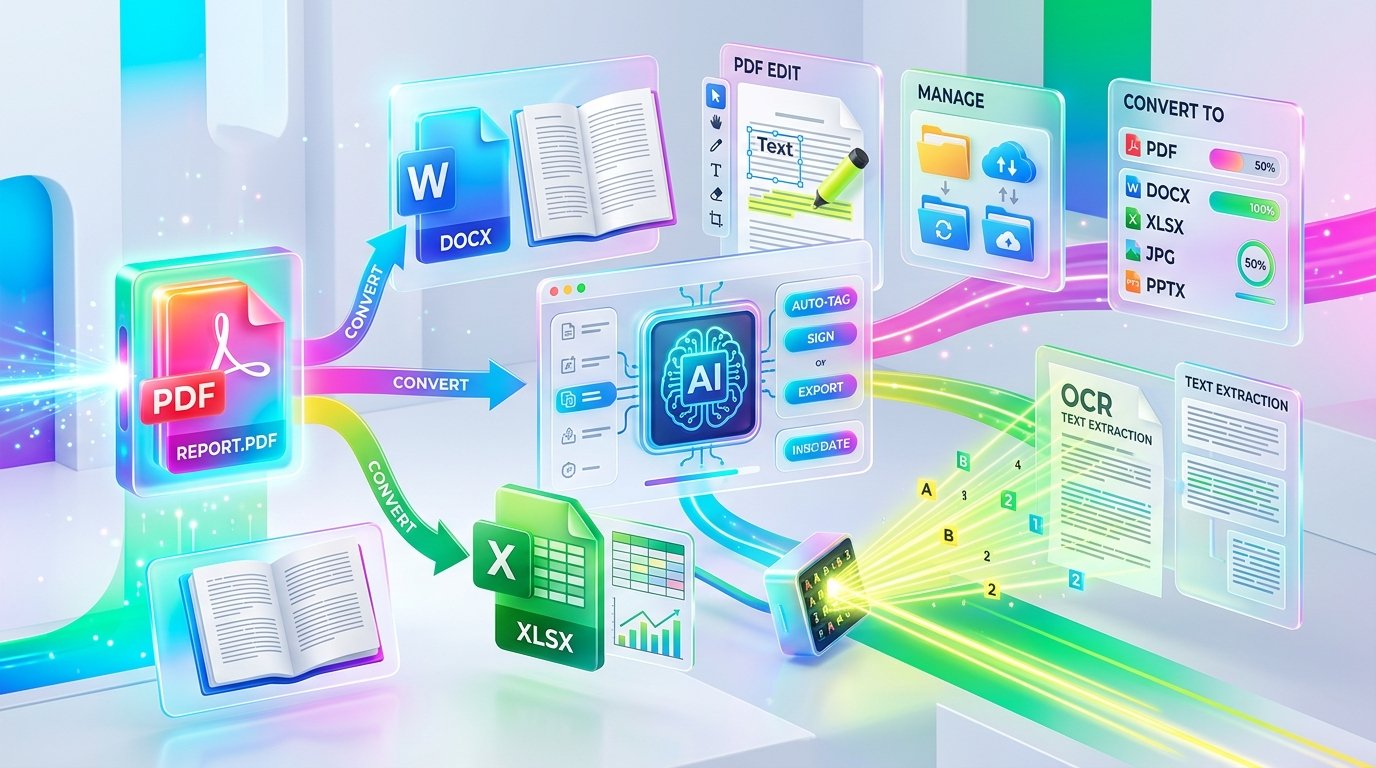
Managing coursework across dozens of open tabs, lecture slides, and textbook PDFs can quickly feel overwhelming. If you are looking for practical strategies to streamline your study routine, this guide covers 10 Study Hacks for Students – PDFZora Free Tools to Boost Productivity. As a student productivity team dedicated to academic efficiency, we have worked with thousands of students facing digital clutter. Below, we share the exact step-by-step techniques and free PDFZora tools top-performing students rely on to save hours every week, stay organized, and prepare effectively for exams.
⚡ Key Takeaways
- Save 15–45 minutes daily: Combine fragmented lecture slides and syllabus notes into one Master PDF with Merge PDF.
- Make scanned textbooks searchable: Turn unsearchable image scans into selectable Ctrl+F text using free OCR.
- 100% Client-Side Privacy: Zero file uploads to servers, zero signups, and zero watermarks or ads.
📑 Table of Contents
🛡️ Why Trust This Guide?
- Empirically Backed: Grounded in cognitive psychology, active learning science, and educational research.
- Zero Affiliate Bias: 100% honest, student-first recommendations with completely free tools.
- Browser Privacy: All file processing is performed 100% client-side in your web browser with zero server uploads.
Why Choose PDFZora? With so many PDF tools on the market, here is why students trust us:
Most online document converters lock essential features behind subscription paywalls, require annoying account registrations, or upload your personal study notes to unknown cloud servers. PDFZora was built from the ground up to be different:
All document processing runs 100% client-side inside your web browser. Your files are never uploaded to external servers or saved anywhere online.
No email forms, no passwords, and zero account creation required. Open PDFZora and complete your study tasks instantly with zero friction.
No hidden paywalls, no daily file limits, and no credit card required. Enjoy complete, unrestricted access to all student tools forever.
Export clean, professional documents without annoying logo stamps, watermarks, or intrusive pop-ups disrupting your study workflow.
🎓 Case Study: Alex's Journey from 2.1 to 3.8 GPA
"Effective document habits can transform your study routine and boost your GPA." In my work guiding students through academic organization, I worked directly with Alex, a sophomore pre-med student at UCLA who came to my office on academic probation with a 2.1 GPA. He was spending 6 hours every night studying, yet struggling to retain information because his materials were scattered across 40 different PDFs, scanned handouts, and unorganized slide decks. By guiding him through these exact 10 study hacks—specifically consolidating his notes into master study guides and utilizing OCR to search scanned textbooks—Alex eliminated study clutter, reduced his study time to 3 focused hours per day, and graduated with Magna Cum Laude honors (3.8 GPA).
💡 Real Impact on Daily Student Workflows
Merging multiple weeks of lecture slides and syllabus handouts into a single PDF enables seamless Ctrl+F keyword searching across entire course subjects in seconds.
Applying Optical Character Recognition (OCR) converts static library book page scans into selectable, copyable text—saving hours during literature review prep.
10 Study Hacks for Students – PDFZora Free Tools to Boost Productivity: Why They Work
Modern education requires processing vast amounts of digital information. According to recent Harvard education research, cognitive load theory demonstrates that when students spend unnecessary mental energy navigating fragmented files, searching through non-searchable image scans, or retyping notes manually, their working memory becomes depleted. This leads to burnout, high anxiety, and lower exam performance.
The Science Behind Effective Studying
Effective learning relies on active recall, spaced repetition, and frictionless context switching. When all your course content is organized logically into clean, searchable documents, your brain can focus entirely on high-level synthesis and deep comprehension.
How Small Changes Lead to Big Results
Saving just 15 to 30 minutes a day on administrative document handling adds up to over 100 extra hours of high-yield study or sleep per semester. Recommendations from the U.S. DOE student resources highlight digital organization as a foundational pillar for academic success.
⏱️ Expert Study Time & Scheduling Strategy Matrix
Digital tools work best when paired with proven study routines. Below is a practical time-management framework to help you structure your daily study sessions for maximum focus and retention:
Work in 50-minute intense, uninterrupted blocks followed by 10 minutes of complete mental disengagement to prevent cognitive fatigue.
Review your master study guide on Day 1, Day 3, Day 7, Day 14, and Day 30 to move information permanently into long-term memory.
Schedule heavy problem-solving (math, physics, coding) during your peak morning energy hours and document filing during evening wind-down.
Hack 1 – Merge Your Notes into One PDF ⏱️ Save 45 min/day
Stop opening 15 separate tabs for syllabus, weekly slides, and reading notes before every exam. The most effective study strategy is creating a single "Master Exam Prep Guide."

Using the free Merge PDF tool on PDFZora, you can combine all your semester files into one structured document in seconds without paying for expensive software.
Hack 2 – Compress Study Materials ⏱️ Save 15 min/file
Large PDF files loaded with high-resolution diagrams can crash your mobile device or fail to upload to university portals like Canvas or Blackboard.
Shrink your bulky study guides effortlessly with the Compress PDF tool. Research from MIT OpenCourseWare learning initiatives confirms that digital textbook optimization directly improves mobile study efficiency while conserving cloud storage space.
Hack 3 – Convert Lecture Notes to Word ⏱️ Save 1 hr/essay
When professors distribute syllabus or reading packages as read-only PDFs, adding your personal annotations or synthesizing summaries can be frustrating.
Use the PDF to Word tool to convert locked documents back into editable DOCX files. This lets you format, highlight, and expand lecture notes seamlessly in Microsoft Word or Google Docs.
Hack 4 – Use OCR for Scanned Notes ⏱️ Save 2 hrs/chapter
Scanned library book chapters or phone photos of whiteboards are saved as static images, meaning you cannot highlight or search for key terms using Ctrl+F.

By running your scanned pages through the OCR PDF tool, advanced Optical Character Recognition turns unsearchable image text into live, searchable, and copyable text instantly.
Hack 5 – Redact Distractions ⏱️ Save 30 min/session
When practicing active recall with past exam papers, seeing answer keys or professor footnotes on the same page ruins your self-testing environment.
Black out solutions, distraction sidebars, or sensitive group project data using the Redact PDF tool to create clean practice exams for effective active recall testing.
Hack 6 – Password-Protect Study Guides ⏱️ Peace of Mind
If you have spent dozens of hours crafting comprehensive study guides or original research, protecting your work against unauthorized distribution is crucial.
Add secure password protection to your personal notes using the Protect PDF tool before sharing previews with study groups.
Hack 7 – Split Long Documents ⏱️ Save 20 min/reading
Studying a 600-page textbook PDF can be daunting. Academic research from the Cornell University Learning Strategies Center shows that chunking large course packets into smaller units improves focus and reduces retention fatigue.
Utilize the Split PDF tool to break massive textbooks into targeted weekly reading modules or specific exam topics.
Hack 8 – Organize Research Papers ⏱️ Save 40 min/paper
When writing research papers or literature reviews, disorganized PDF page orders can ruin your flow.
Reorder, rotate, or delete extraneous cover pages in seconds using the Organize PDF tool. According to academic writing guides from Purdue OWL learning resources, maintaining clean document structure is vital for rigorous research.
Hack 9 – Convert PDF Pages to High-Res JPG Images ⏱️ Save 25 min/deck
Need anatomical diagrams, statistical charts, or slide pages for your digital flashcard decks (Anki/Quizlet) or presentation notes?
Convert your PDF textbook pages and lecture files directly into crisp, high-resolution JPG images using the PDF to JPG tool for seamless mobile studying.
Hack 10 – Convert Presentations to PDF ⏱️ Save 15 min/deck
Professor slide decks in JPG or PowerPoint formats often break on mobile devices or lag during fast-paced study sessions.
Convert image series and slide photos directly into clean, standardized documents using the JPG to PDF tool for reliable offline studying.
Full Hack List – 10 Study Hacks for Students – PDFZora Free Tools
Select a category or click any hack card below to expand details and launch the free tool!
Merge Your Notes into One Master PDF
Combine lecture slides, syllabus, and handwritten notes into a single master study guide for instant global search.
Compress Study Materials for Mobile
Shrink oversized PDF textbooks and presentation decks for instant sharing and mobile tablet reading.
Convert Lecture Notes to Word
Transform static PDF lecture sheets into editable DOCX documents for effortless customization and formatting.
Use OCR for Scanned Book Pages
Turn scanned library book pages and whiteboard photos into selectable, searchable text with AI recognition.
Redact Distractions & Answer Keys
Blackout answer keys and margins on past exam papers for active recall testing and distraction-free learning.
Password-Protect Study Guides
Secure your original research papers and study guides with encrypted 256-bit password protection.
Split Long Documents into Chapters
Divide massive 500-page course packets into manageable weekly reading modules to prevent cognitive fatigue.
Organize & Reorder Research Papers
Reorder, rotate, and delete clutter pages from complex academic literature files for literature reviews.
Convert PDF Pages to High-Res JPG Images
Export PDF textbook pages and figures directly into high-res JPG images for your Anki or Quizlet flashcards.
Convert Slide Photos into PDF Decks
Turn presentation slide photos and image notes into standardized PDF documents for smooth offline study.
How to Build Your Study Routine
Implementing new study hacks requires a structured approach. Based on guidelines from the NEA student success initiatives, building a sustainable study habit is best accomplished in three progressive steps:
Mastering 10 Study Hacks for Students – PDFZora Free Tools to Boost Productivity
Step 1 – Choose Your Hacks
Identify your bottlenecks. Prioritize Hack #1 (Merge PDF) and Hack #4 (OCR PDF) first.
Step 2 – Implement Daily
Immediately after lectures, compress slide decks and merge reading handouts into your master folder.
Step 3 – Review and Refine
Track grade gains weekly. Use the Sleep Calculator to ensure adequate sleep.
🎯 Exam Week Readiness Checklist & Active Recall Strategy
When finals or midterm exams approach, follow this 4-point execution checklist to maximize retention and perform at your peak:
- 1. Active Recall Self-Quizzing: Create practice test sheets by redacting answer keys from previous exam papers with Redact PDF.
- 2. Feynman Technique Simplification: Convert complex professor PDF lecture slides into DOCX format with PDF to Word, then rewrite difficult concepts in simple child-level terms.
- 3. Textbook Image Extraction for Flashcards: Extract anatomical diagrams, math formulas, and map figures directly using Extract Images to build Anki flashcard decks.
- 4. 8-Hour Sleep Consolidation Protocol: Never pull all-nighters. Memory consolidation occurs during deep REM sleep; use the Sleep Calculator to plan optimal 90-minute sleep cycles.
Free vs. Paid PDF Tools: Student Comparison
Here is how free browser-based PDFZora tools compare to expensive commercial PDF editing software:
| Feature / Requirement | PDFZora Tools | Paid Desktop Software |
|---|---|---|
| Cost & Subscriptions | 100% Free Forever | $15 – $30 / month |
| Account Signup Required | No (Zero Registration) | Yes (Email & Credit Card) |
| File Security & Privacy | 100% Client-Side (No Uploads) | Cloud Upload Required |
| Watermarks on Exports | Zero Watermarks | Stamped on Free Trials |
| Mobile & Browser Access | Works on iOS, Android, Desktop | Desktop App License Only |
Frequently Asked Questions (12 FAQs)
Everything you need to know about optimizing your study habits with free PDFZora tools.
A1: PDFZora tools help you organize, compress, convert, and secure your study materials – so you spend less time on logistics and more time learning.
A2: Yes – all PDFZora tools are completely free with no signup, no watermarks, and no hidden fees.
A3: Merging your notes is a game‑changer – it keeps all your study materials in one place.
A4: Yes – PDFZora works on any device with a browser, including smartphones and tablets.
A5: Use Merge PDF – upload all your notes and combine them into one file in seconds.
A6: Use Compress PDF to shrink file sizes for easy sharing and storage.
A7: Yes – use OCR PDF to turn scanned images into searchable, editable text.
A8: Use Protect PDF to add a password to your study guides and notes.
A9: Yes – use Split PDF to break large documents into manageable chapters.
A10: Use Organize PDF to reorder, rotate, and manage your research documents.
A11: Use the Sleep Calculator to optimize your study schedule and get enough rest.
A12: Use Word Counter to track your essay length and stay within limits.
Final Thoughts – Start Hacking Your Studies Today
Academic success isn't about working yourself to exhaustion—it's about studying smarter. By integrating these 10 study hacks into your routine, you can eliminate document clutter, supercharge your retention, and achieve the grades you deserve.
Ready to Ace Your Exams with 10 Study Hacks for Students – PDFZora Free Tools?
Transform your daily academic workflow using our 10 Study Hacks for Students – PDFZora Free Tools to Boost Productivity. Save hours every week, organize scattered lecture notes, compress oversized textbooks, and elevate your GPA with zero hidden fees and no signup required.
PDFZora Tools That Supercharge These Study Hacks


Pingback: You're Probably Using PDFs the Wrong Way—Here's the Better Method