
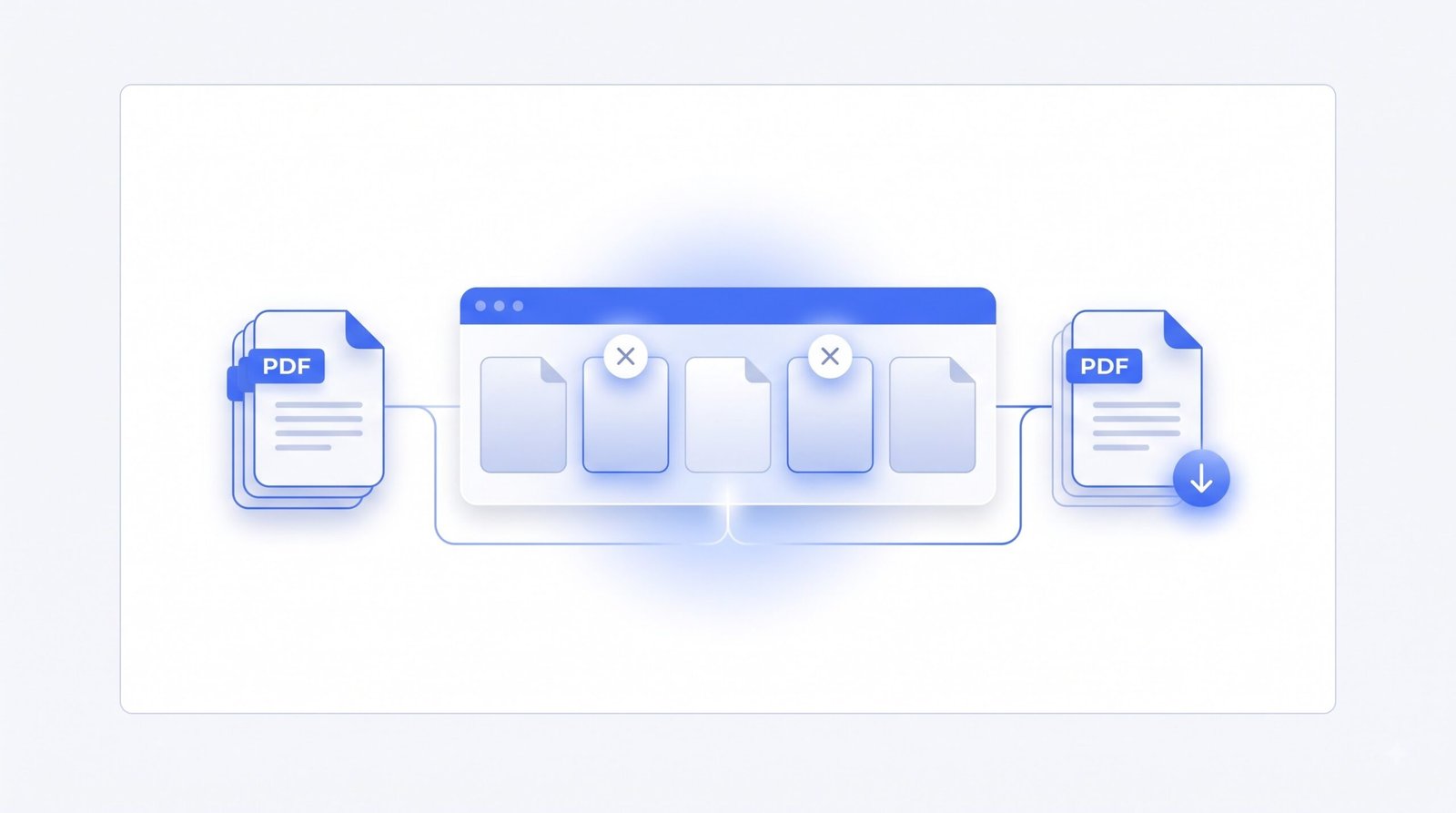
Remove PDF Pages Online — Delete Unwanted Pages From Any PDF
Mark the pages you do not need, remove them, and download a trimmed PDF.
- Free to use
- No account
- Nothing to install
- No watermark
Need a different job done with a PDF?
Browse all free toolsQuick answer: how do I remove PDF pages?
Add your PDF, click the thumbnails you want to drop — or type a page range — then remove PDF pages and download the result. Kept pages stay in their original order.
How to Remove Pages From a PDF
Three steps, straight from your browser.
-
Add your PDF
Drag the file onto the card, or click to browse. Thumbnails load automatically.
-
Mark the pages to remove
Click thumbnails, or type numbers and ranges like 2, 5-8. Keep mode helps when it is easier to pick what stays.
-
Remove and download
Review the remaining pages, then save the trimmed PDF.
What the Remove PDF Pages Tool Does
It rebuilds your PDF with only the pages you choose to keep.
Kept pages stay intact
Kept pages come across unchanged — same text, images, links and layout as before.
See before you delete
Every page shows as a thumbnail, so you confirm what goes before anything is deleted.
Page selection at a glance
| Setting | What it does | Good to know |
|---|---|---|
| Click thumbnails | Marks pages to remove | Click again to unmark |
| Typed ranges | Removes pages like 2, 5-8 | Handy for long files |
| Keep mode | Deletes everything but your picks | Best when few pages stay |
When You May Need to Remove PDF Pages
Scans
Drop blank sheets, skewed retakes or the cover page scanners add.
Reports
Cut appendices and filler pages so you share only what matters.
Contracts and forms
Trim duplicate signature pages or instruction sheets nobody needs.
Study material
Strip ads and off-topic sections so notes stay focused.
What to Expect, and Where Removing Pages Has Limits
Read this before you remove pages
- Removal is permanent in the new file. Keep the original; the download cannot be undone.
- Locked PDFs need unlocking first. Remove the password protection before editing.
- Printed page numbers do not renumber. On-page numbers and tables of contents stay as printed.
- Large files take longer. Image-heavy documents need time and memory to rebuild.
- Bookmarks can break. Outlines pointing to removed pages may stop working.
Common problems and what to do
| Problem | Likely cause | What to try |
|---|---|---|
| I marked the wrong page | Marking toggles with each click. | Click it again to unmark. |
| My typed range is rejected | A number is mistyped or out of range. | Check the format, e.g., 2, 5-8. |
| The output PDF will not open | The source file may be damaged or incomplete. | Open the original on its own to check it. |
| It is slow with a big document | Big, image-heavy PDFs take time to preview. | Close other tabs, or work in two passes. |
How Your Files Are Handled
- No account, no email. You can use the tools without signing up.
- The connection is encrypted. PDFZora uses HTTPS. For general information about the PDF format, see Adobe's PDF overview.
- PDFZora does not sell, rent, or trade personal data. Data may still be shared with the companies that help run the site, or disclosed where the law requires it.
- Processing is largely automated. Access to file content is limited to what is needed to run, maintain, secure, or support the service, or to meet a legal obligation.
Processing method can vary by tool. Some operations may run in the browser, while others may require temporary server-side processing. Retention periods depend on the method used. For the latest information about temporary file storage and deletion, see PDFZora's Data Privacy & Security page.
Frequently Asked Questions
Yes. There is no charge, no sign-up, and no watermark on the result.
No. Kept pages come across exactly as they are — same text, images and layout.
Only after it is unlocked. Remove password protection first, then delete the pages here.
Yes. It runs in the browser, so phones and tablets work the same as computers.
Trim your PDF down to the pages you need
Remove the extra pages now — free, nothing to install.
Browse all free tools