
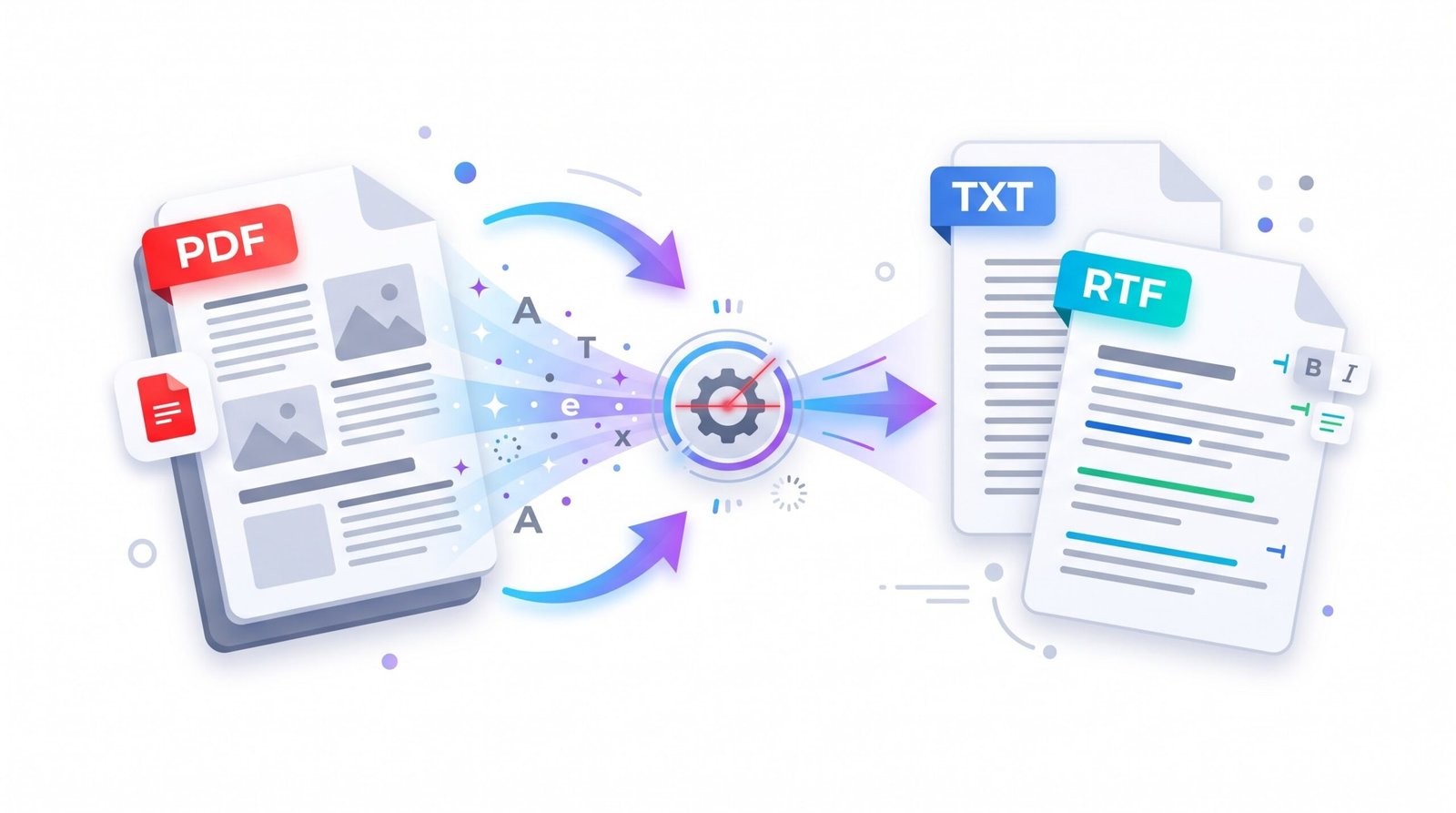
PDF to Text Converter for TXT and RTF
Use this free PDF to Text converter to turn PDF files into editable TXT or RTF documents online.
- Free to use
- No account
- Nothing to install
- No watermark
Need a different job done with a PDF?
Browse all free toolsHow to use the PDF to Text converter
Upload a PDF, convert its available text, and download an editable TXT or RTF file. No software installation is needed.
How to convert PDF to Text in three steps
Three simple steps.
-
Upload your PDF
Choose your PDF from your device or drag it into the upload box. Make sure the file opens correctly before you start.
-
Let the tool convert it
The tool extracts available text and prepares an editable TXT or RTF document. Results can vary with the PDF structure and scan quality.
-
Download your TXT or RTF file
Select Download TXT or RTF to save the converted file to your device. Open it to review text order and formatting.
What the PDF to Text tool does
Convert files online for free, with no setup or installation.
Text extraction
Extracts available text from a PDF and saves it as an editable TXT or RTF document for reuse.
No setup needed
Upload a PDF, convert it, and download your text file in a few straightforward steps.
Supported files
| Direction | File type | Good to know |
|---|---|---|
| Input | PDF or image | Upload from your device, Google Drive or Dropbox |
| Output | TXT and RTF | Download, or save to Google Drive or Dropbox |
Common uses
Editing
Turn PDF text into an editable document, then revise the wording or reuse it in another file.
Data extraction
Pull text from reports for analysis, note-taking, or a quicker review of key information.
Archiving
Keep extracted text in a widely supported format that is easy to store, search, and share.
Quoting
Copy passages into notes or emails instead of retyping selectable text from the original PDF.
Limitations to know
Before you convert
- Scanned pages: Results depend on whether the PDF has selectable text. Image-only scans may need OCR before text can be extracted.
- Layout: Columns, tables and complex designs may not convert exactly.
- Images: Pictures and charts are not extracted.
- Formatting: Fonts and spacing can change; check the output.
- Protected files: Password-protected PDFs may not convert.
Common problems
| Problem | Likely cause | What to try |
|---|---|---|
| No text in the output | The page is a scan or image. | Check whether you can select text. |
| Text is out of order | Multi-column layouts confuse reading order. | Reorder sections by hand. |
| The file will not convert | The PDF may be damaged or password-protected. | Open it in a PDF reader to check it first. |
| The page is slow | Large, image-heavy files take longer. | Wait, or try a smaller file. |
How Your Files Are Handled
- No account, no email. You can use the tools without signing up.
- The connection is encrypted. PDFZora uses HTTPS.
- PDFZora does not sell, rent, or trade personal data. Data may still be shared with the companies that help run the site, or disclosed where the law requires it.
- Processing is largely automated. Access to file content is limited to what is needed to run, maintain, secure, or support the service, or to meet a legal obligation.
Processing method can vary by tool. Some operations may run in the browser, while others may require temporary server-side processing. Retention periods depend on the method used. For the latest information about temporary file storage and deletion, see PDFZora's Data Privacy & Security page.
Frequently Asked Questions
Yes. The tool is free, and no account is needed.
No. The tool runs in your web browser.
Temporary processing copies are deleted after processing finishes.
Yes. The page layout adapts to phone and tablet screens.
Convert PDF to Text as TXT or RTF for free
Use the free PDF to Text converter to download a PDF as editable TXT or RTF.
Browse all free tools